GETTING STARTED
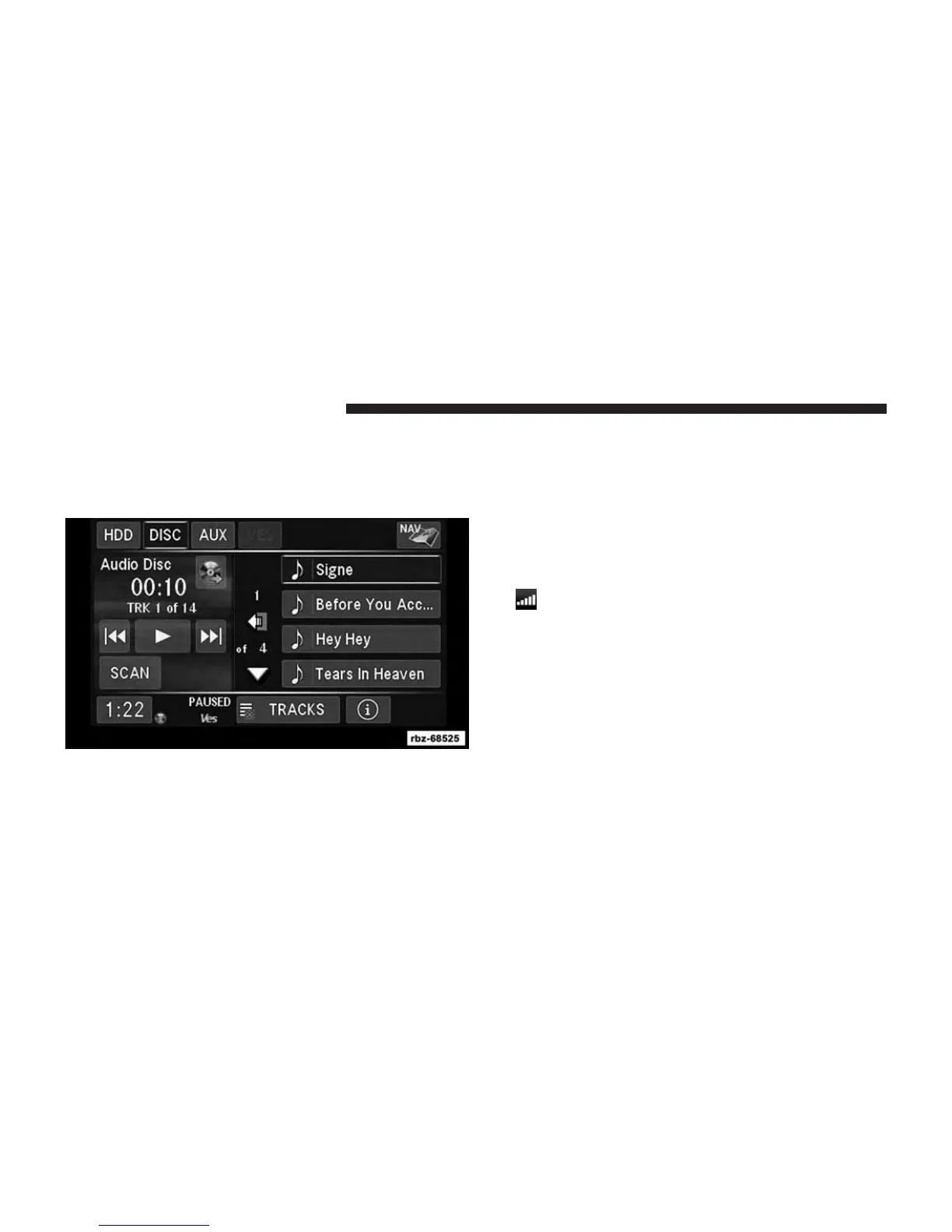
To access the Navigation system on your Uconnect®
radio, touch the NAV soft-key in the upper right corner of
the screen during any RADIO or MEDIA mode.
Setting Up Your System
When using your navigation system for the first time,
complete the following tasks:
1. Acquire satellites.
2. Understand the main menu.
Acquiring Satellites
The bars indicate satellite strength.
Go to an open area, away from tall buildings and trees.
Acquiring satellite signals can take a few minutes.
104 NAVIGATION (Uconnect® 430N Only)



 To Next Page