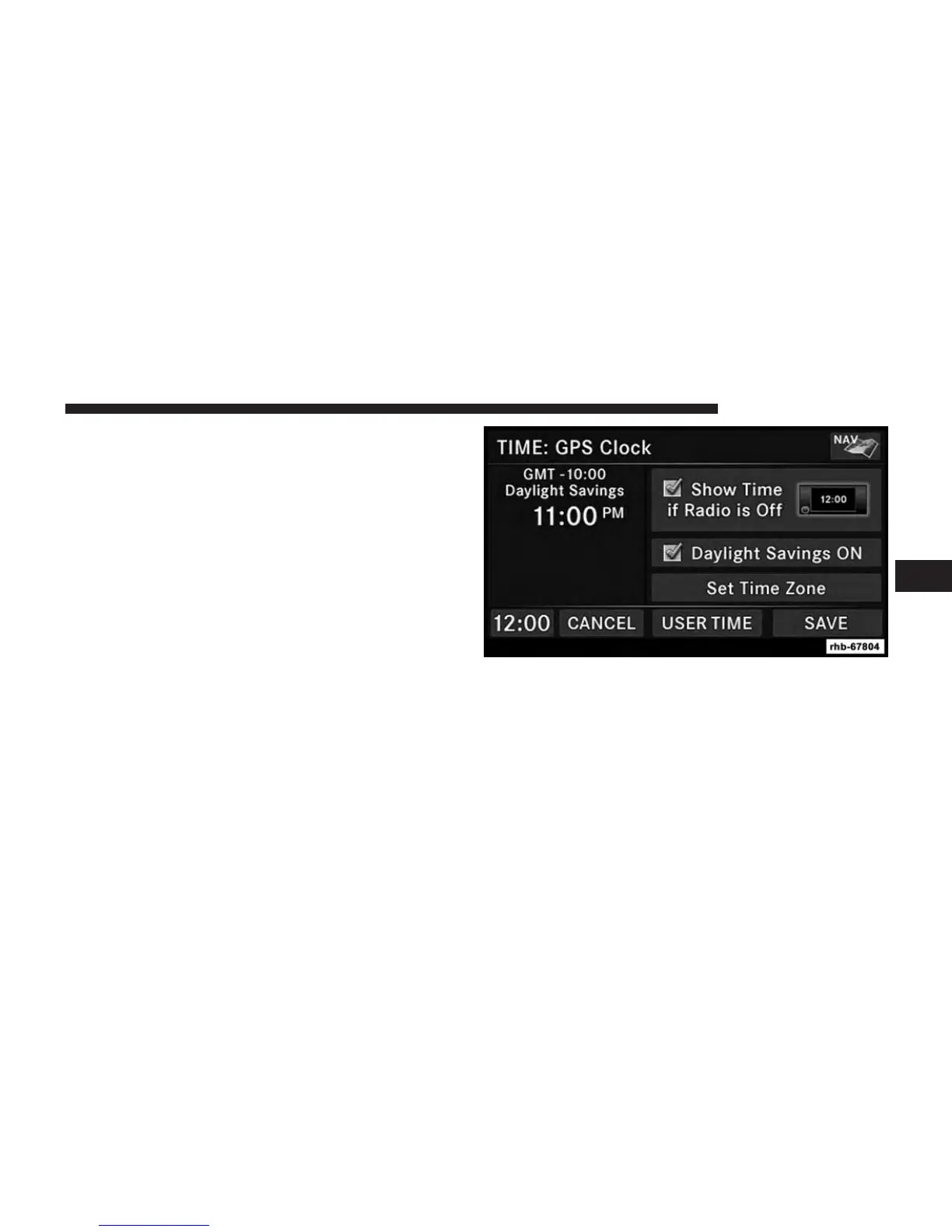
3. Press the Set Time Zone soft-key to change to the
desired time zone.
4. Press the Daylight Savings soft-key to switch Daylight
Savings on or off.
SET THE TIME — Uconnect® 430N
1. Press the Time Display soft-key in the lower left corner
of the screen.
The time is automatically set by the GPS system for the
time zone selected. The radio default is GPS time
where the vehicle time is automatically set by the GPS
system. If the vehicle is not able to receive the GPS
signals, the vehicle time is only updated when the GPS
satellite signals are being received (which requires the
vehicle to be outside with a clear view to the sky).
2. It is possible to set the time manually (ahead or behind
actual GPS time), by pressing the USER TIME soft-key.
4
GETTING STARTED 21



 To Next Page