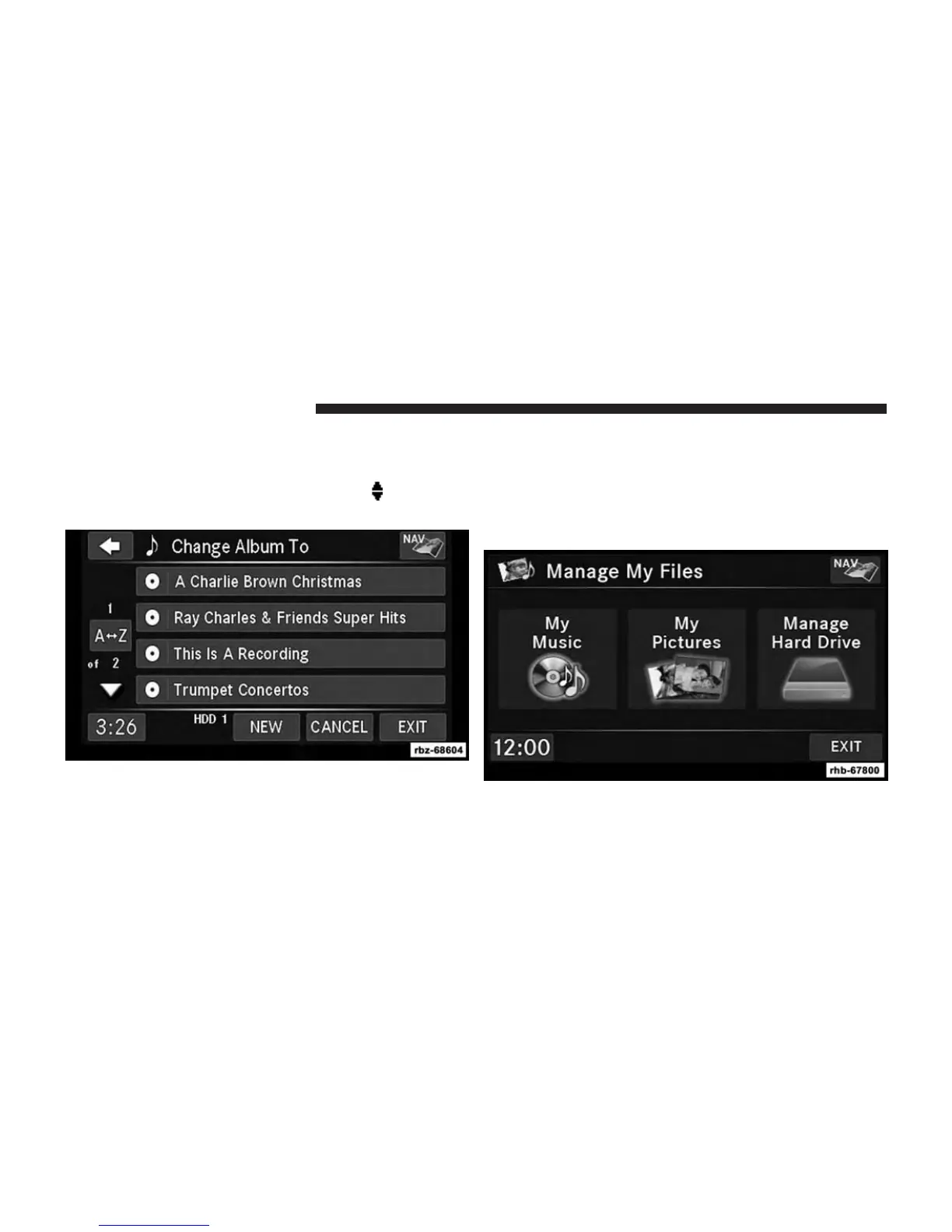
To edit an item press the CHANGE or ORDER button next to
the tag item you want to edit. To enter new data for the tag,
select an item from the list or press the NEW button to type
in a new name. For track reordering, use the
soft-keys to
move the track to the correct position.
If you change tag information that affects how your HDD
playback is sorted, playback may pause briefly and
restart from the top of the list.
Editing Folder Names On The Hard Disk Drive
1. Touch the MY FILES hard-key.
2. Select My Music.
68 Uconnect® MULTIMEDIA (MEDIA)



 To Next Page