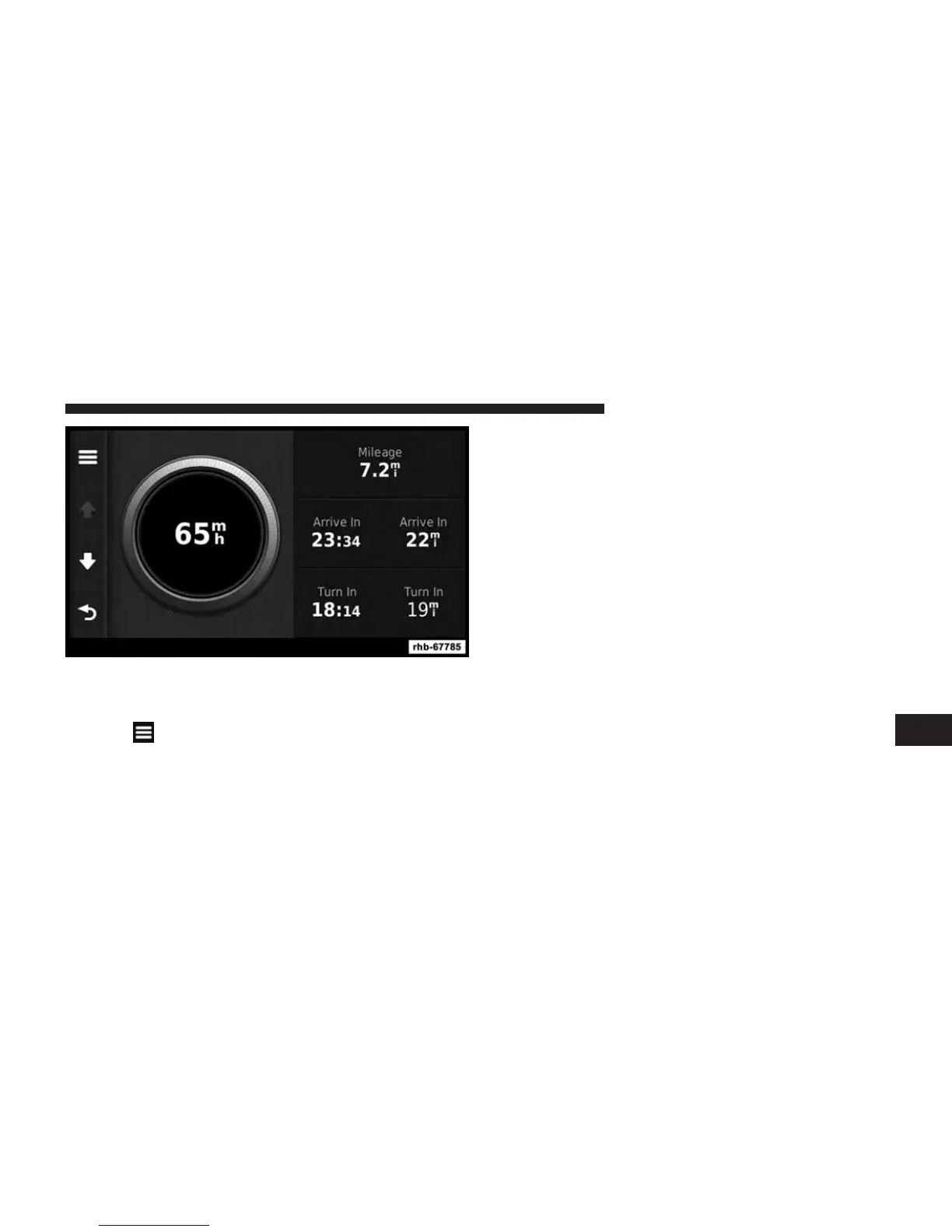
Resetting Trip Information
1. From the map, touch the Speed field.
2. Touch
.
3. Select an option:
• Touch Reset Trip Mileage to reset the information on
the trip computer.
• Touch Reset Max. Speed to reset the maximum
speed.
Viewing The Turn List
When you are navigating a route, you can view all of the
turns for your entire route and the distance between
turns.
1. From the map, touch the text bar on the top of the
map.
8
NAVIGATION (Uconnect® 430N Only) 117



 To Next Page