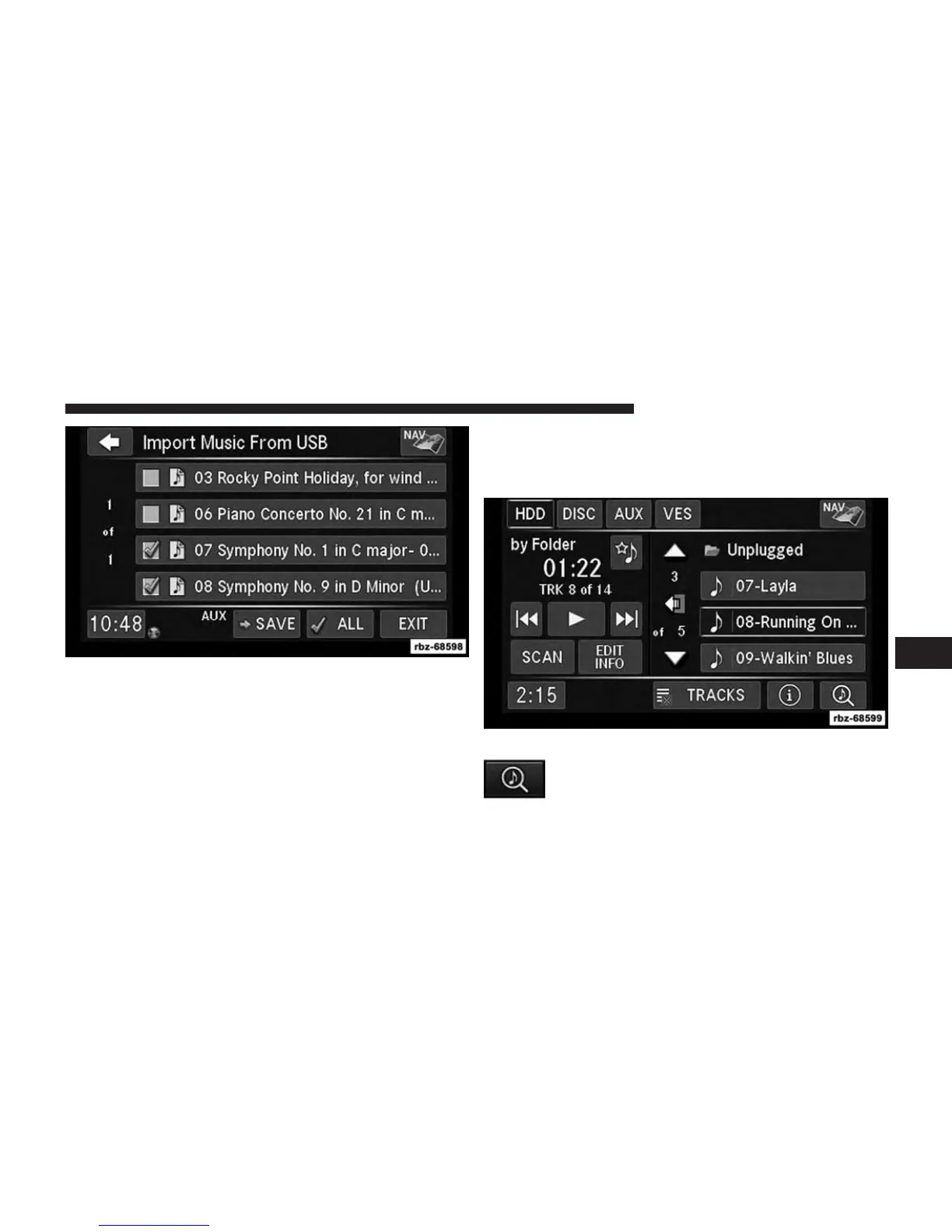
5. Select the folders or titles you would like to copy.
A red check mark indicates the selected songs and/or
folders. Touch the ALL soft-key to select all files and
folders at once.
6. Touch the SAVE soft-key to start the copy process.
Playing Audio Files From The Hard Disk Drive
You can play songs directly from the internal hard disk
drive.
Touch the BROWSE soft-key to select an avail-
able category.
6
Uconnect® MULTIMEDIA (MEDIA) 61



 To Next Page