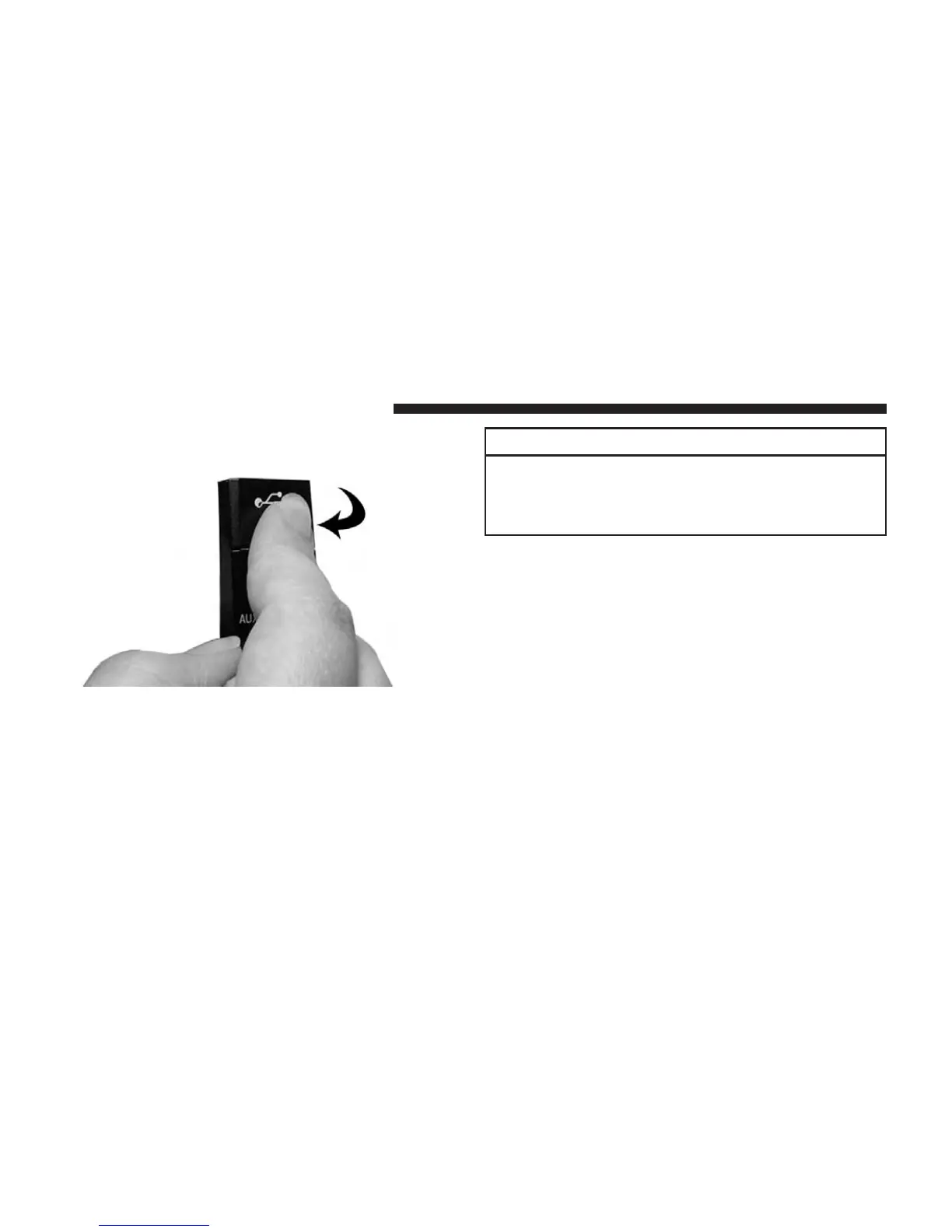
3. Then push on the bottom of the flap to secure in place.
CAUTION!
Never force any connector into the ports of your
radio. Make sure your connectors are the identical
shape and size before you connect.
AUDIO JACK (AUX) MODE
The Audio Jack connector allows you to connect the
headset output of an audio device (e.g., MP3 player) to
the radio. The audio of the connected device will then be
played through the radio sound system.
88 Uconnect® MULTIMEDIA (REMOTE DEVICES)



 To Next Page