CHANGE THE LANGUAGE
The radio will conform to the vehicle language set in the
Electronic Vehicle Information Center (EVIC), if
equipped.
If you change the language in the radio, the vehicle will
change the language for all display information. Refer to
the vehicle’s Owner’s Manual on the DVD.
To change the language with the radio:
1. Press the MENU hard-key on the right side of the
radio.
2. Then press the System Setup soft-key to get to the
System Setup menu.
3. Press the Language Setup soft-key and select a lan-
guage.
4. Press the SAVE soft-key to activate the new language
selection.
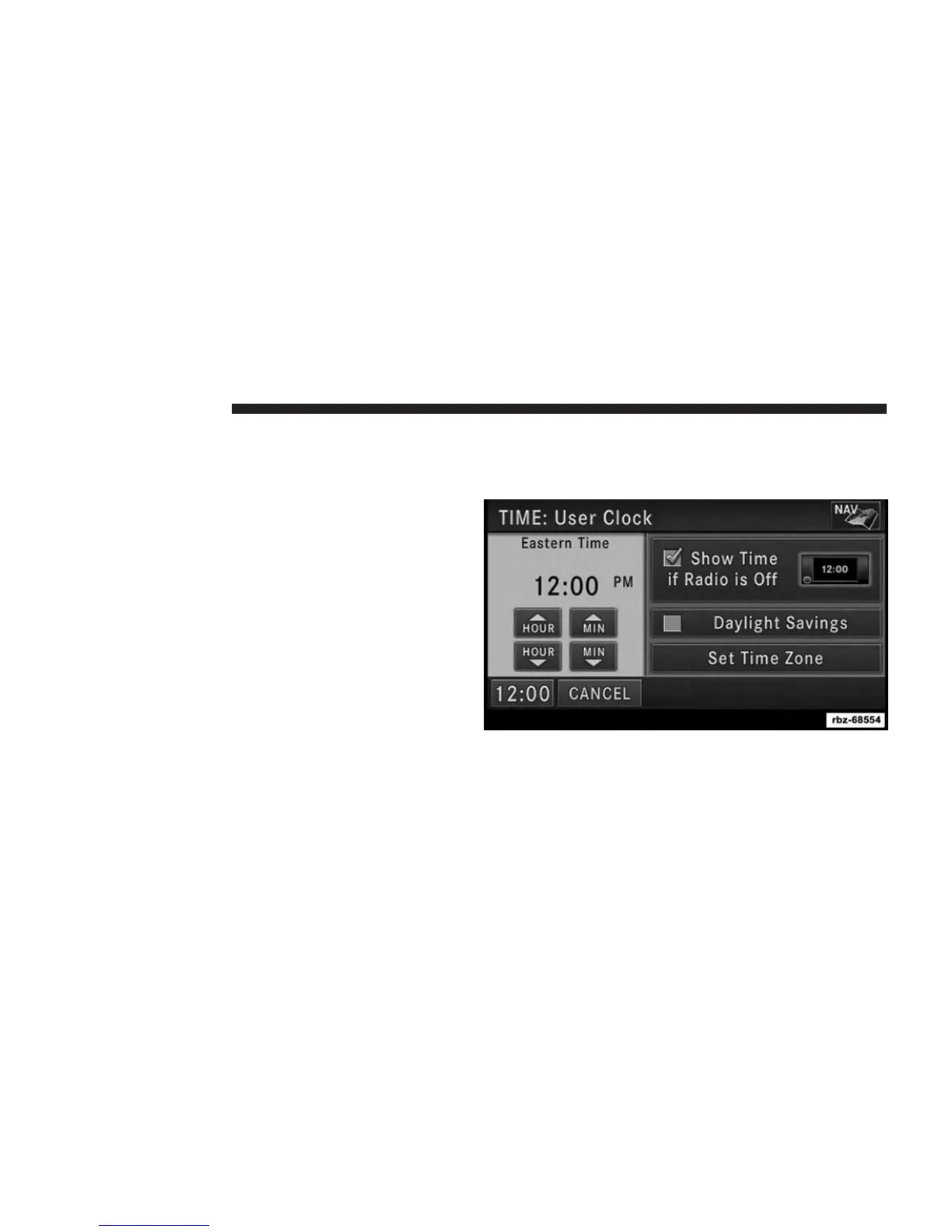
SET THE TIME — Uconnect® 430
1. Press the Time display in the lower left corner of the
screen.
2. Adjust the hours and minutes using the up and down
soft-keys.
20 GETTING STARTED



 To Next Page