NOTE: When copying CD-Audio to HDD, audio files
are converted from CD-Audio to AAC. If available, the
artist name, album name, cover art, track names and
genres are stored with the tracks on the HDD. DVD-
Audio cannot be copied to the HDD. If the CD-Audio
disc is not recognized by the Gracenote® Music Recog-
nition Service, you can rip the CD-Audio disc on your
internet-equipped computer first, then copy the resulting
compressed audio files to a USB memory stick. Then
insert the USB memory stick in the radio and copy the
audio files to the HDD mode.
Copy WMA/MP3 Files To Hard-Drive
MP3 and WMA formatted compressed audio files from a
disc or via USB (e.g., USB stick) can be copied to the Hard
Disc Drive.
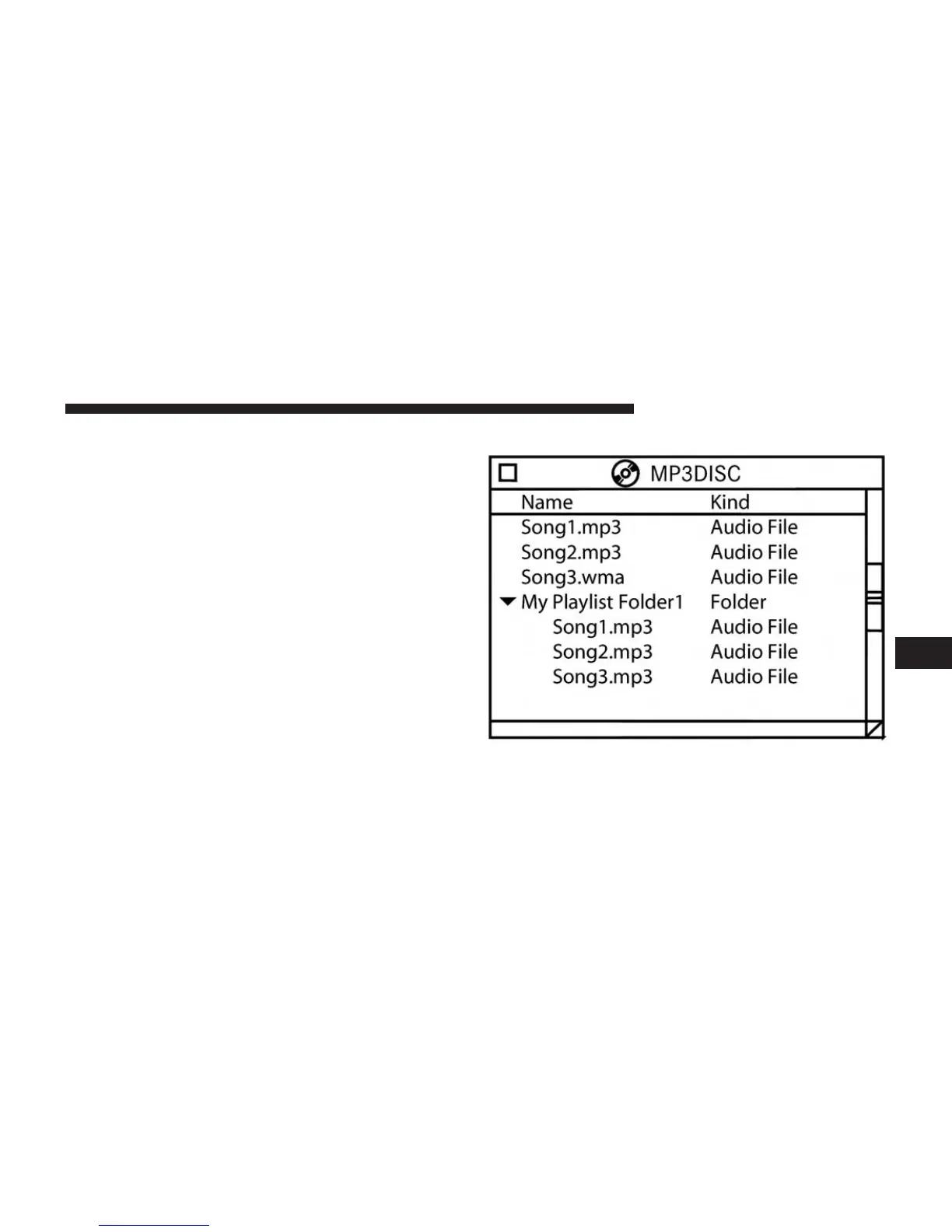
It is recommended to sort music files into folders.
Example:
Songs located in the root level (top level) of the disc or
USB device are saved on the Hard Disk Drive in a root
folder. Songs that are stored in folders on the disc or USB
6
Uconnect® MULTIMEDIA (MEDIA) 55



 To Next Page