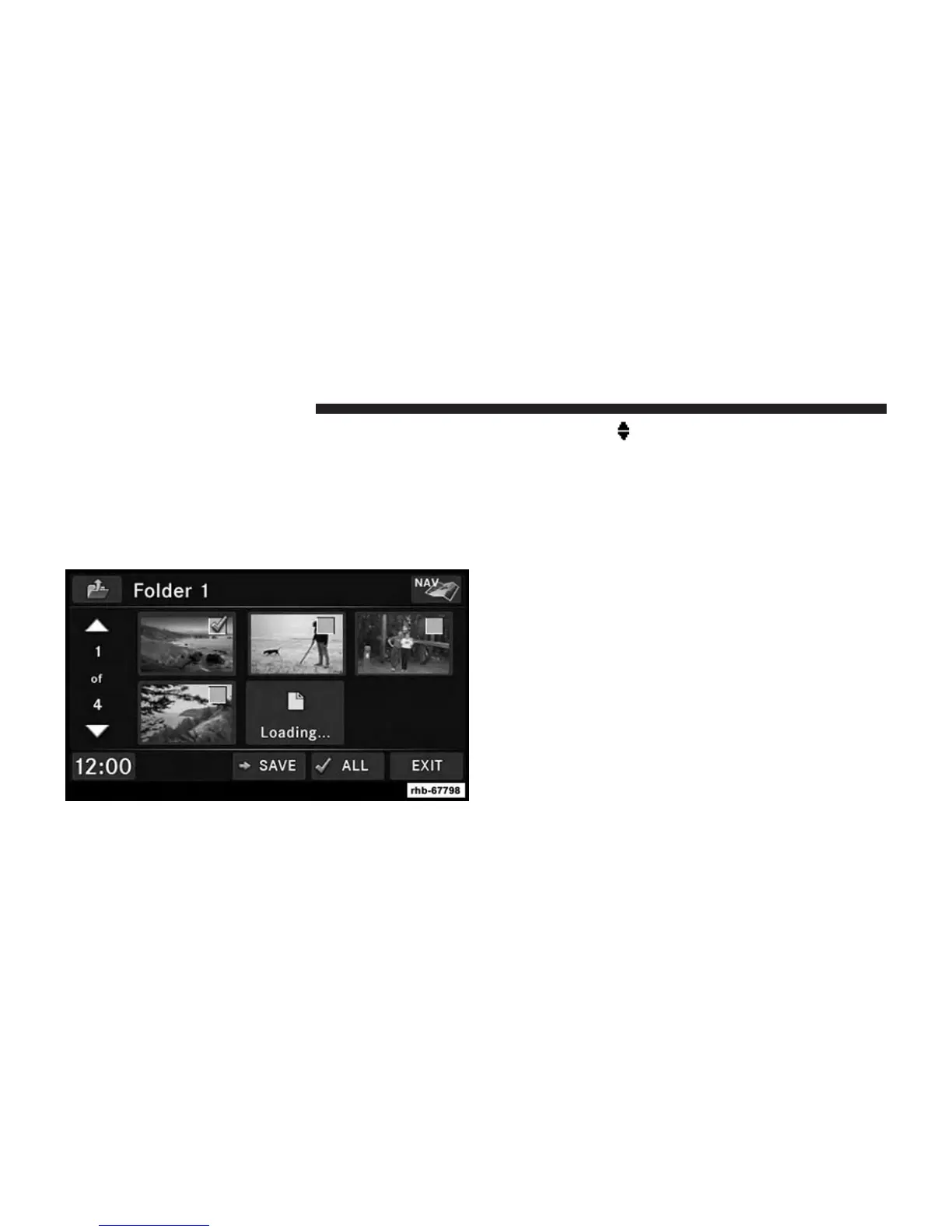
4. Touch the ADD soft-key to view the pictures stored on
the CD or USB memory stick.
NOTE: Depending on the file size of each picture on the
CD or USB memory stick, loading the images in the
screen may take time.
5. Select the type of media inserted.
6. Use the PAGE
soft-keys to page through a list of
pictures and press the picture you would like to
import.
7. Select which pictures you want to copy. The red
checkmark indicates a picture file to copy.
The imported picture is now available in the Manage
My Pictures screen.
8. Touch the SAVE soft-key to copy the selected pictures
to the Hard Disk Drive.
74 Uconnect® MULTIMEDIA (MEDIA)



 To Next Page