The playback starts automatically after the DVD video is
recognized by the disc drive.
Touch the CHAPTERS soft-key to display a list of avail-
able chapters or tracks. Touch a chapter or track soft-key
in the list to start playback from the selected section.
Touch the VIEW VIDEO soft-key to view the video on the
screen.
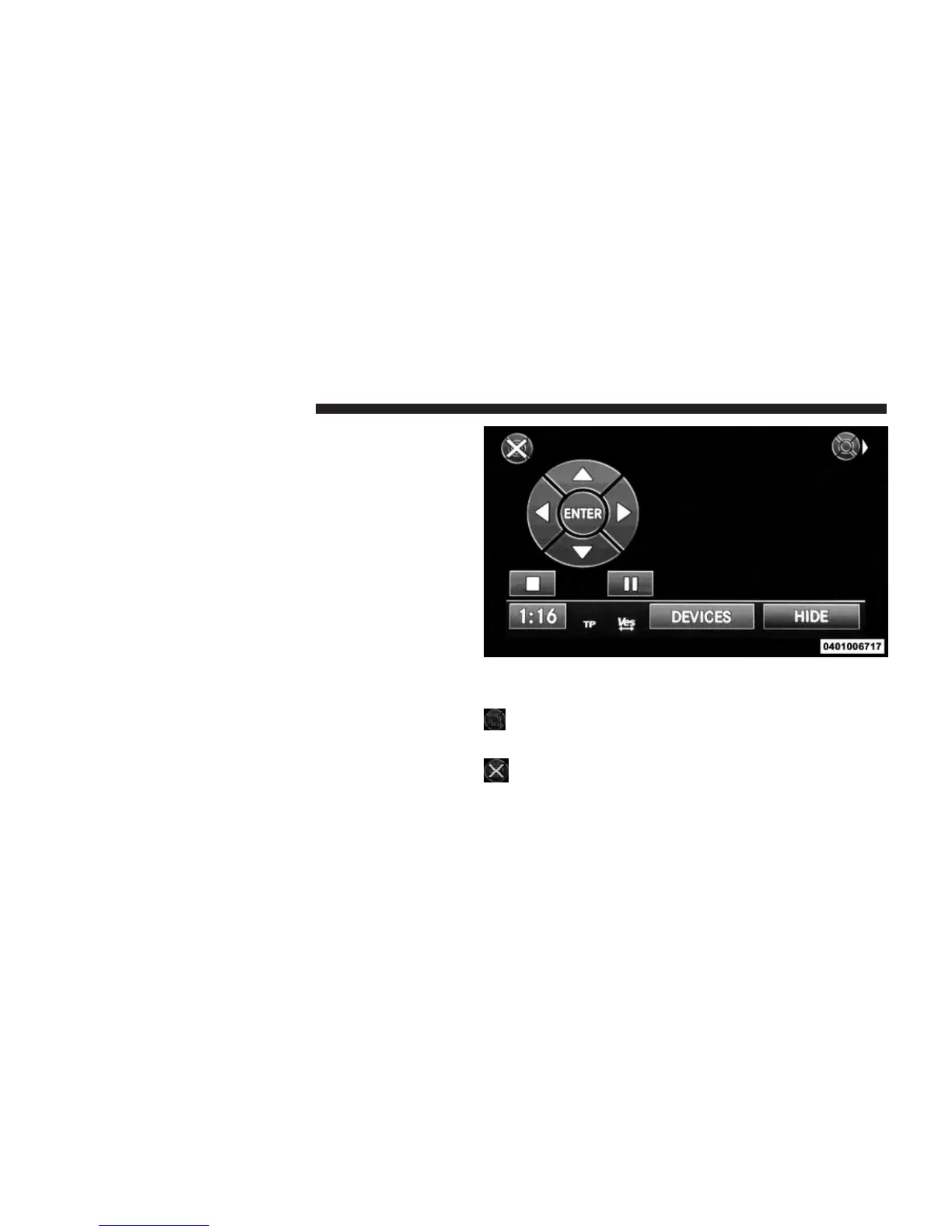
DVD MENU Controls
If you insert a DVD video disc that contains a top menu,
a menu may appear.
Touch the cursor arrows soft-keys to select the title you want
to view, then touch the ENTER soft-key to start playback.
Touch the DVD move soft-key to move the con-
trols to the right part of the screen.
Touch the close soft-key to close the DVD MENU
Controls.
50 Uconnect® MULTIMEDIA (MEDIA)



 To Next Page