2. Touch the copy soft-key to copy music files of the
inserted disc to the hard disk drive.
The copy progress is shown in the display.
You can continue listening to any audio source during the
copy process.
Selective Song Copying From Disc
You can select specific songs on a WMA/MP3 disc using
the following procedure:
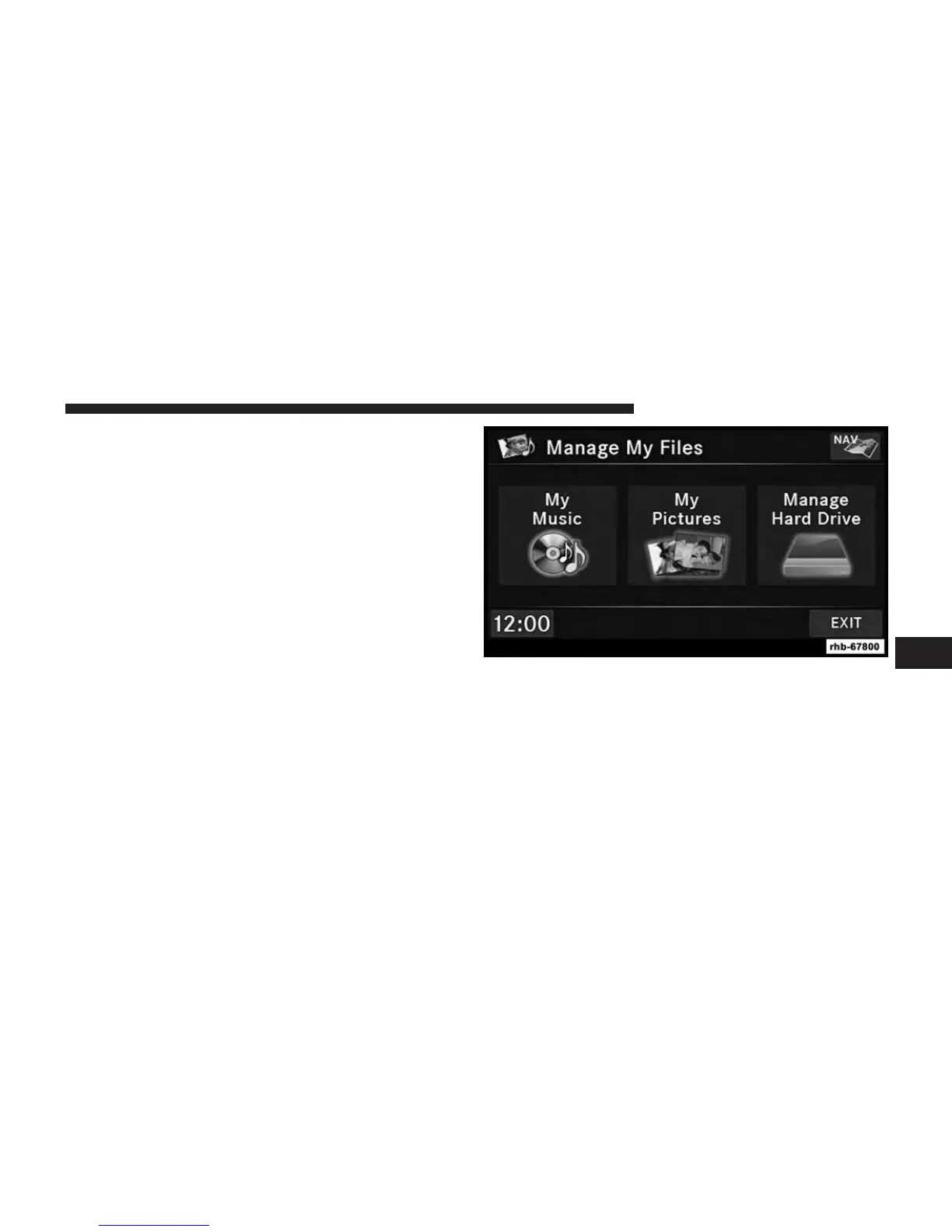
1. Touch the MY FILES hard-key.
2. Select My Music.
6
Uconnect® MULTIMEDIA (MEDIA) 57



 To Next Page