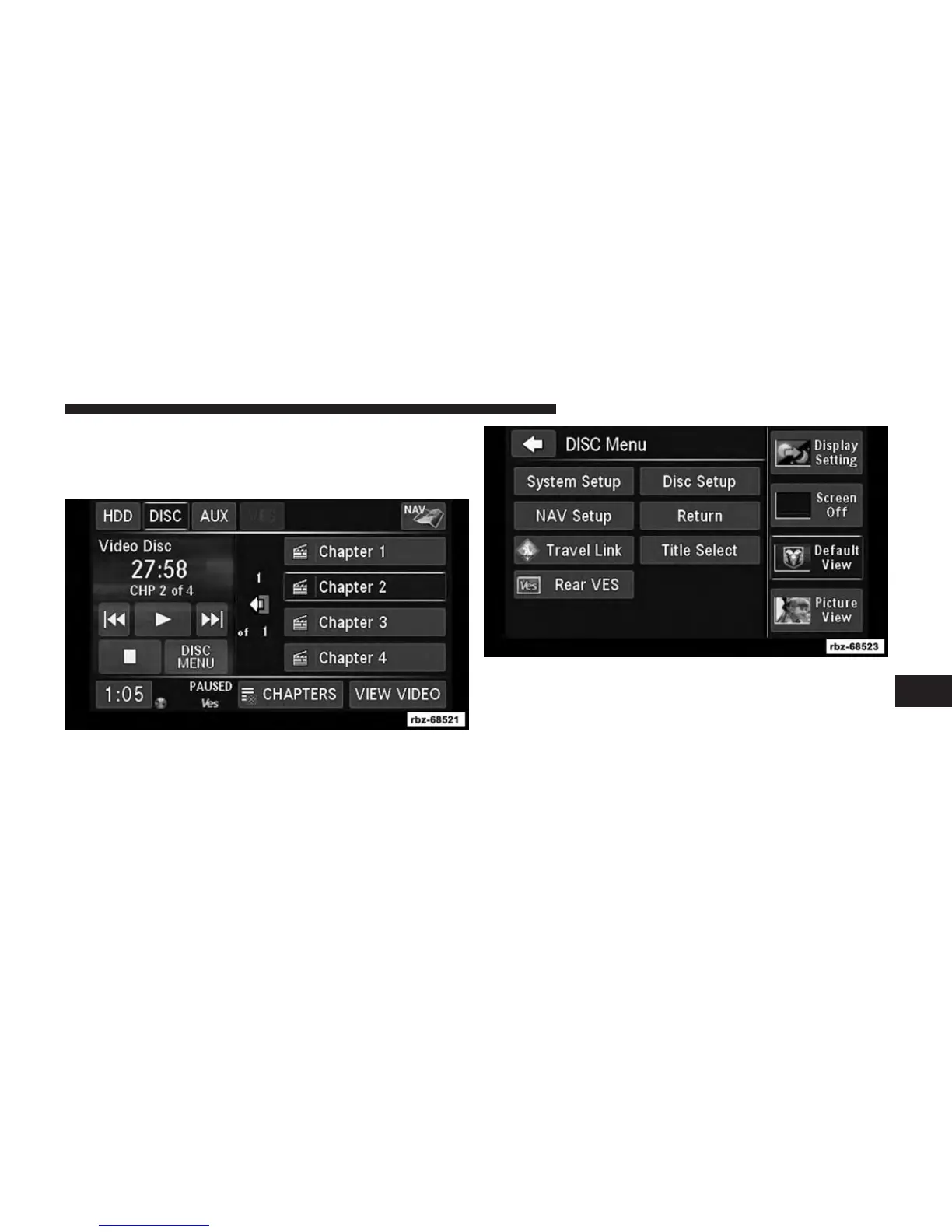
Playing A Video DVD For The Rear VES™
1. To view a DVD video on the rear VES™ radio screen,
insert a video DVD into the radio.
The playback starts automatically after the DVD video
is recognized by the disc drive.
2.
Press the MENU hard-key on the right side of the radio.
If there is no external DVD player installed in the
vehicle, make sure the rear VES video screen is down
so it will turn on automatically and begin playing the
video. If the VES screen is already on, the video mode
automatically changes to play the DVD Video. If there
is an external DVD player installed in the vehicle, you
will need to change the VES screen mode manually.
7
Uconnect® MULTIMEDIA (REMOTE DEVICES) 83



 To Next Page