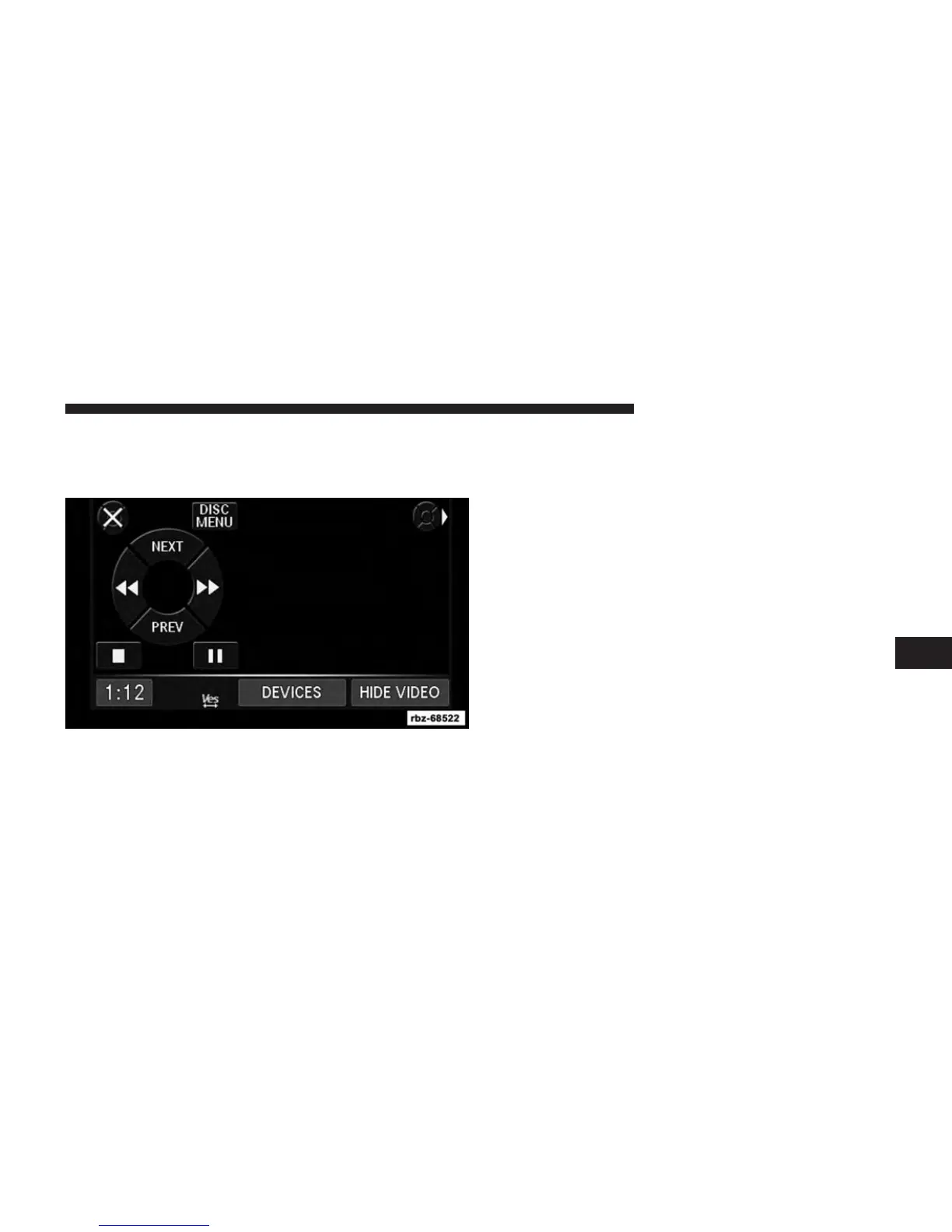
DVD Playback Controls
In video playback mode, touch anywhere on the screen to
show the DVD playback controls.
To pause playback, touch the Pause soft-key.
To stop playback, touch the Stop soft-key.
Touch the Fast Reverse (double left arrows) soft-key
during playback to fast reverse playback.
Touch the Fast Forward (double right arrows) soft-key
during playback to fast forward playback.
Touch the NEXT soft-key to locate succeeding chapters or
tracks.
Touch the PREV soft-key to start playback from the
beginning of the current chapter or track. When you
press twice in quick succession, playback starts from the
beginning of the preceding chapter or track.
6
Uconnect® MULTIMEDIA (MEDIA) 51



 To Next Page