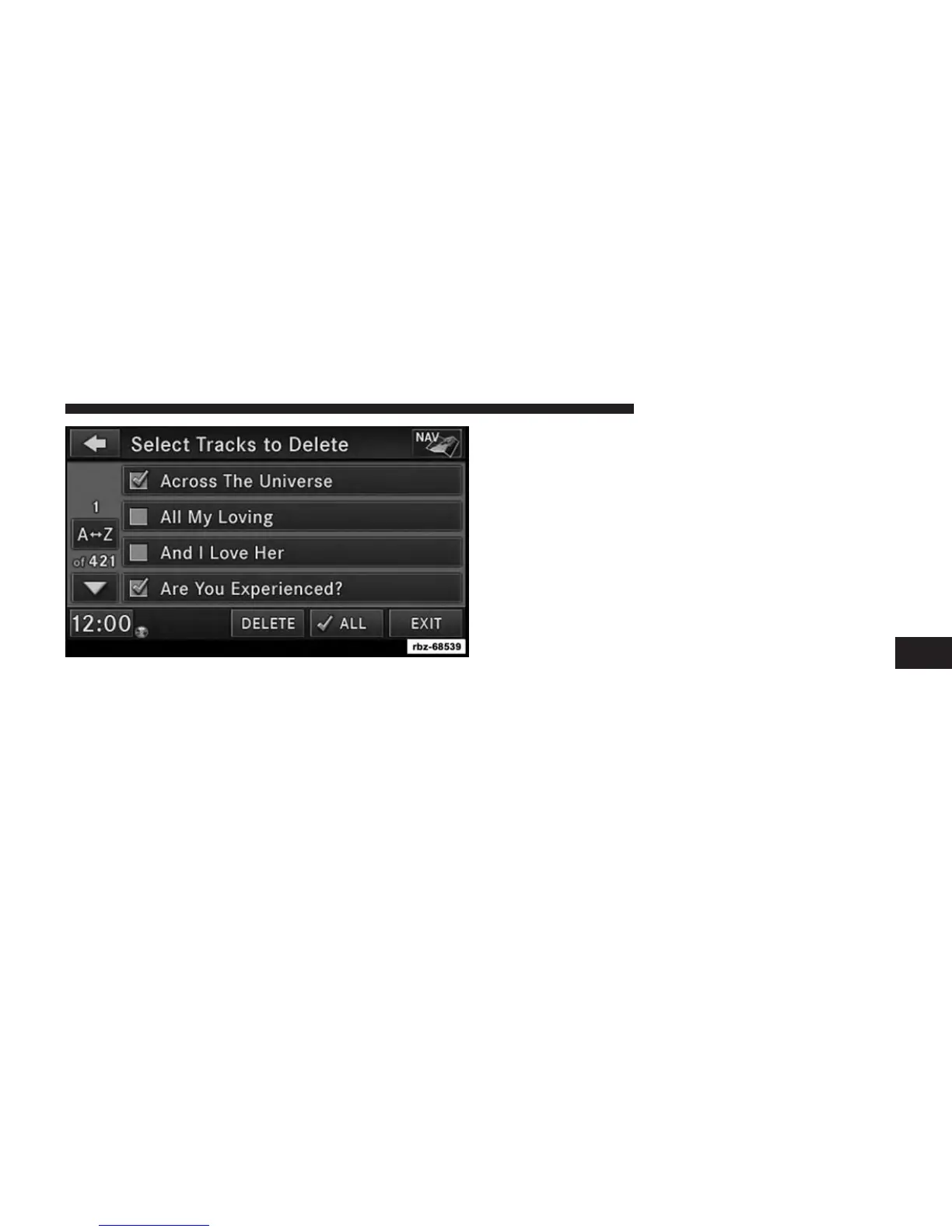
5. Select the tracks you want to delete by pressing the
track to turn on the red checkmark. If you want to
delete all tracks from the folder, press the check ALL
soft-key.
6. After you have selected all of the tracks to delete,
touch the DELETE soft-key to permanently remove
the files from the Hard Disk Drive.
Deleting All Files From The Hard Disk Drive
1. Press the MENU hard-key on the right side of the
radio.
2. Touch the System Setup soft-key to access the System
Setup menu.
3. Touch the Manage HDD soft-key to access the Manage
HDD menu.
6
Uconnect® MULTIMEDIA (MEDIA) 71



 To Next Page