Channel Lock
Select Channel Lock to enable and/or disable desired
channels. The SEEK and SCAN function will then only
display channels without parental lock.
Favorites
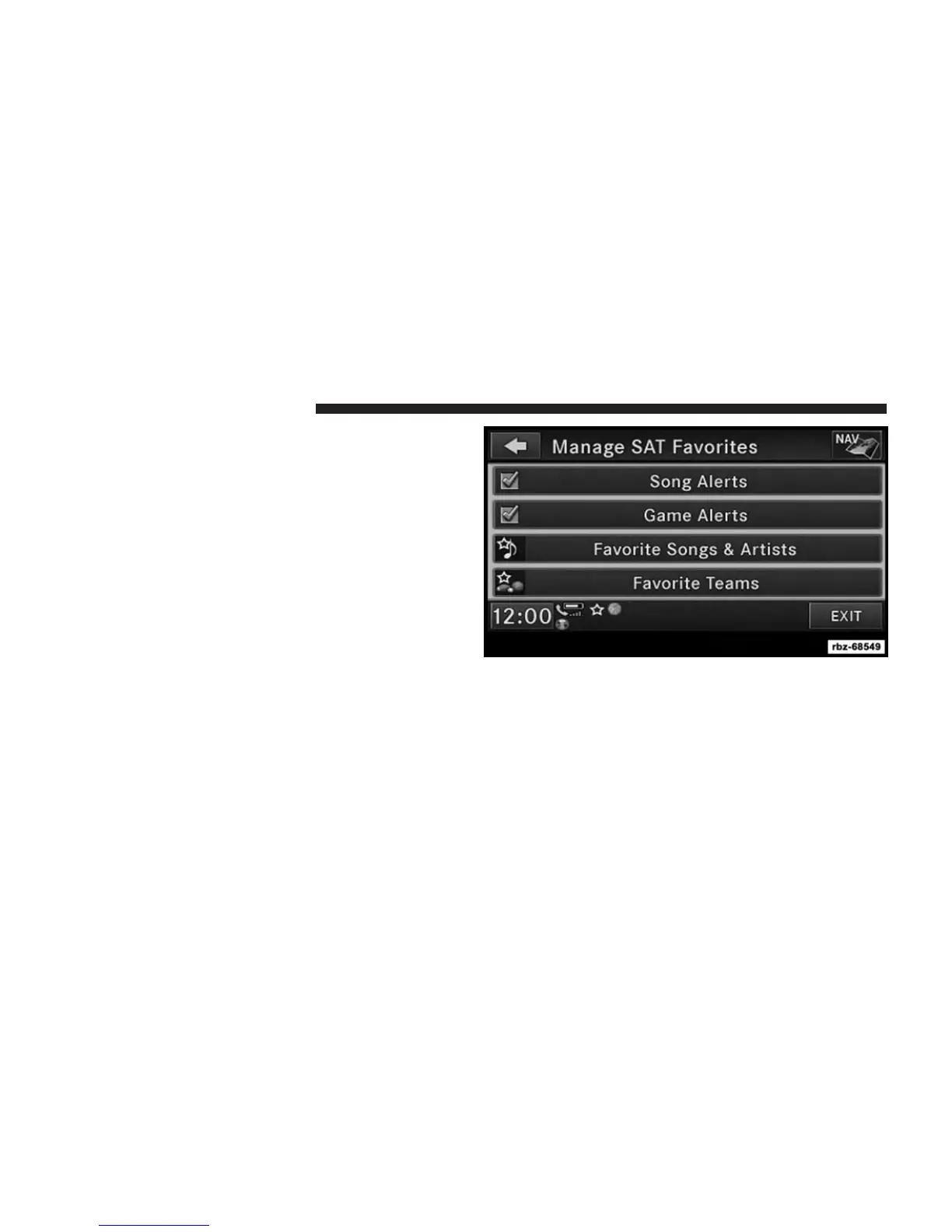
When Song Alerts is checked, you will be notified every
time one of your favorite artists or songs begins playing.
To turn off these notifications, turn off the Song Alerts
checkmark.
When Game Alerts is checked, you will be notified every
time one of your favorite teams begins playing a game
being broadcast on SiriusXM and/or when the score of
the game changes. The settings you make under Favorite
Teams determine which alerts you receive.
To disable all sports notifications, turn off the Game
Alerts checkmark.
34 Uconnect® MULTIMEDIA (RADIO)



 To Next Page