You can touch the on-screen controls to pause and rewind
audio playback, touch the SCAN button to preview each
of the tracks stored in the buffer, or select a track from the
list.
The time displayed below the bar indicates how much
time is present between the current buffer play position
and the live broadcast.
Touch the LIVE button to return to the current audio
being broadcast on the SiriusXM channel.
RADIO SETTINGS
AM/FM Menu
There are no specific settings for this mode.
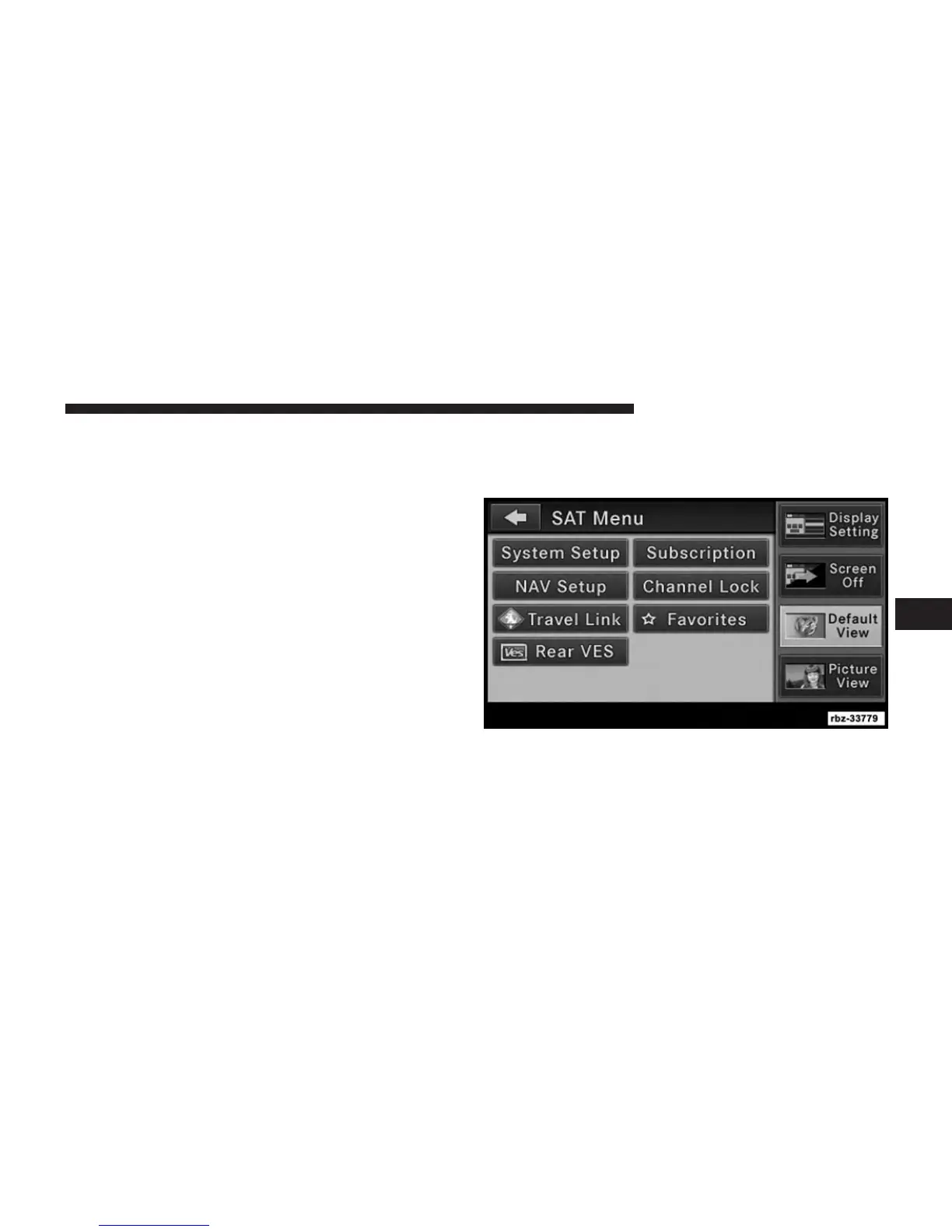
SAT Menu
While in SAT Mode, press the MENU hard-key to display
the SAT Menu.
5
Uconnect® MULTIMEDIA (RADIO) 33



 To Next Page