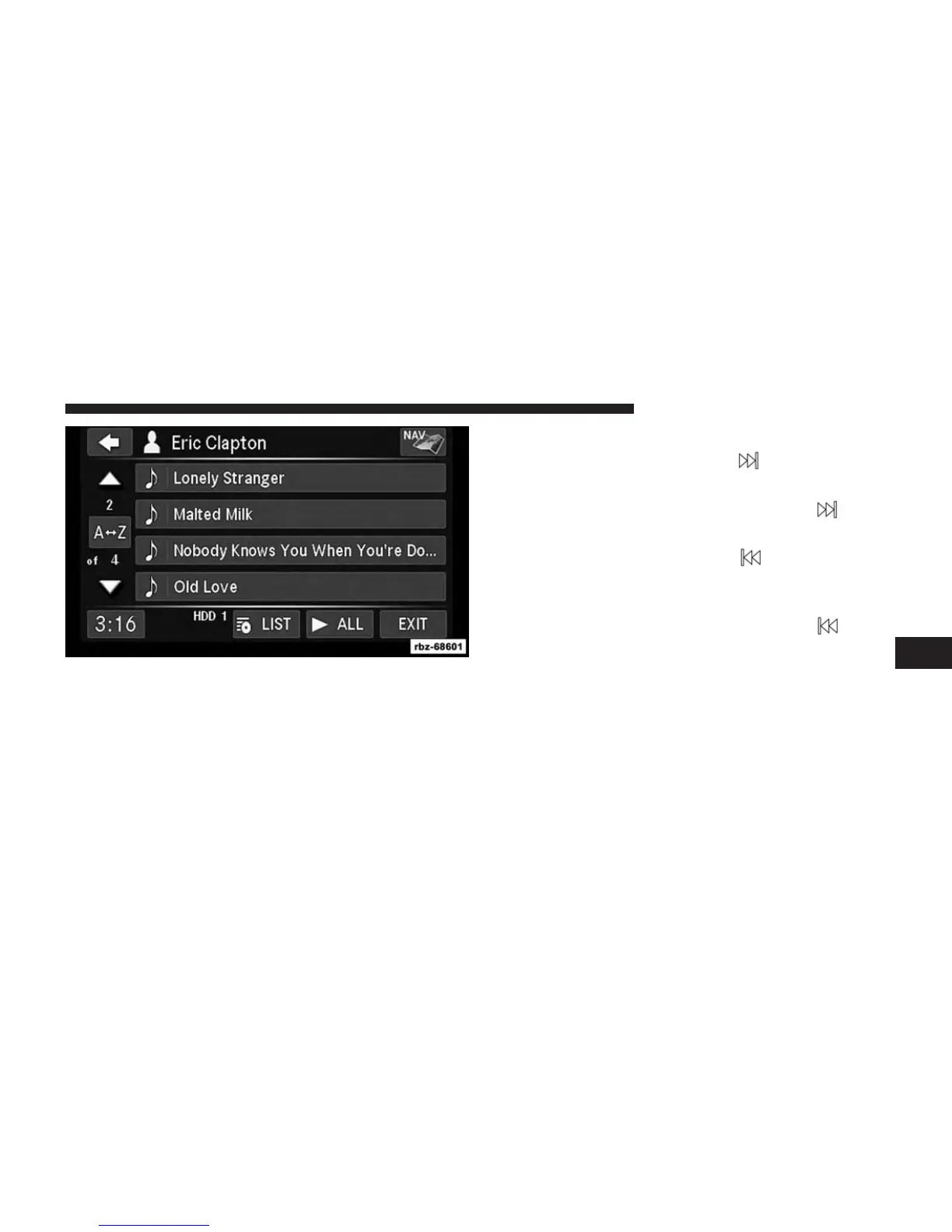
4. Touch the LIST soft-key to toggle the list contents
between all songs by the artist and the albums that
feature the artist.
Change A Track
Press the forward arrows soft-key to select the next
track on the disc.
Press and hold the forward arrows soft-key
to fast
forward through the track.
Press the rearward arrows soft-key
to select the start
of the current track (while the track is playing) or the
previous track (if the current track has just started).
Press and hold the rearward arrows soft-key
to fast
rewind through the track.
Press the pause soft-key to pause the playback of the disc.
Press the play soft-key to resume playback of the disc.
6
Uconnect® MULTIMEDIA (MEDIA) 63



 To Next Page