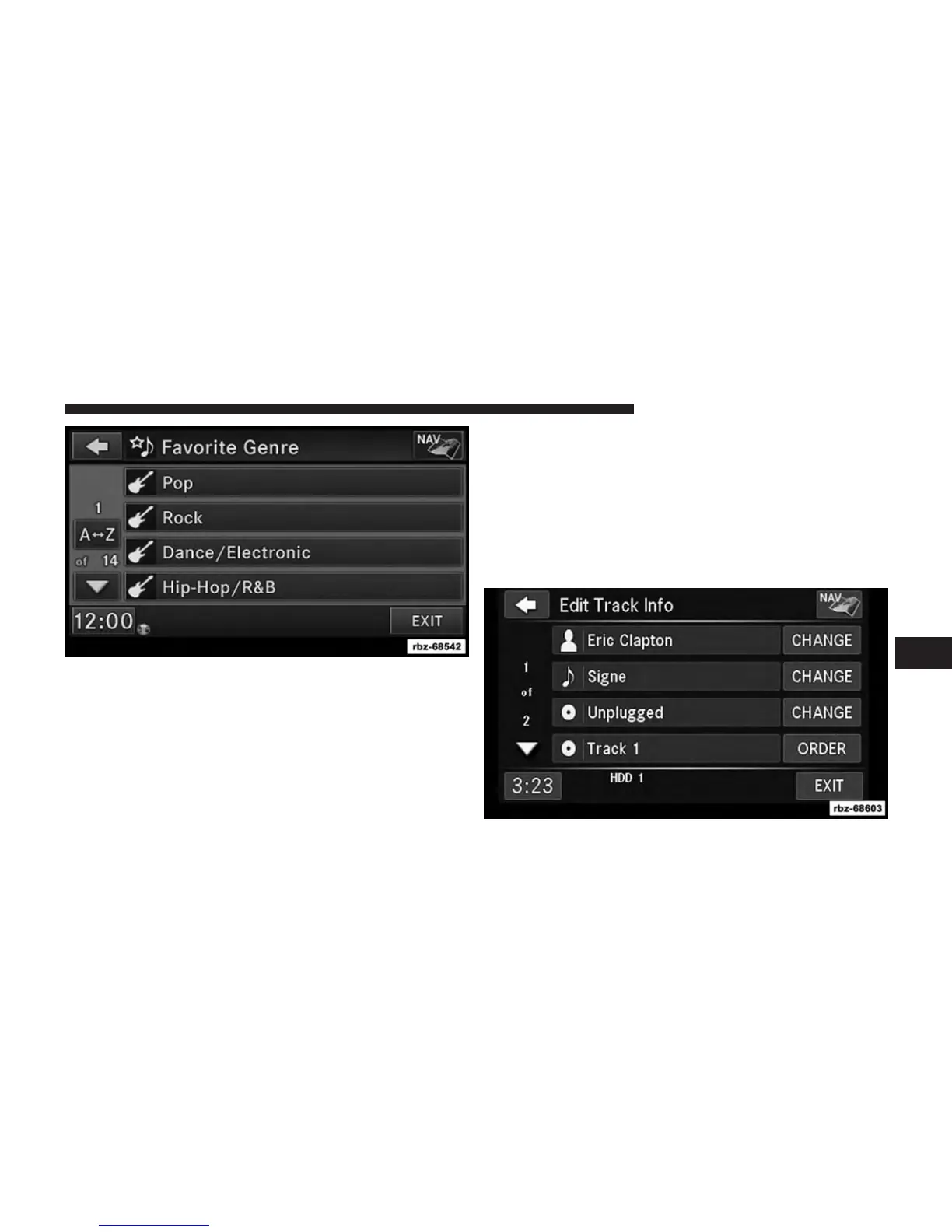
A link to the selected playlist is now saved in the Favorite
Playlists list.
NOTE: Depending on the type of Favorite you define,
the contents of the favorite playlist may change as you
add tracks to and remove tracks from the Hard Disk
Drive. Deleting a favorite playlist does not remove any
files from the hard drive.
You may now edit the list by touching the EDIT soft-key,
or exit the list by touching the EXIT soft-key.
Editing Track Info On The Hard Disk Drive
While a track is playing, touch the EDIT INFO soft-key to
edit the tag information for the track. You can change the
artist name, track name, album name, album track num-
ber, genre and folder name for the track.
6
Uconnect® MULTIMEDIA (MEDIA) 67



 To Next Page