Setting Currency Conversion Rates Manually
You can update the currency conversion rates manually
so that you are always using the most current rates.
1. From the main menu, touch Tools > Unit Converter.
2. Touch the box with a currency listed.
3. Select Currency.
4. Touch Save.
5. Touch a currency box.
6. Select the currency you want to update.
7. Repeat steps 3–6 to select a currency to convert to, if
necessary.
8. Touch a box under a currency.
9. Enter a new value for the currency.
10. Touch Done.
11. Repeat steps 8–9, if necessary.
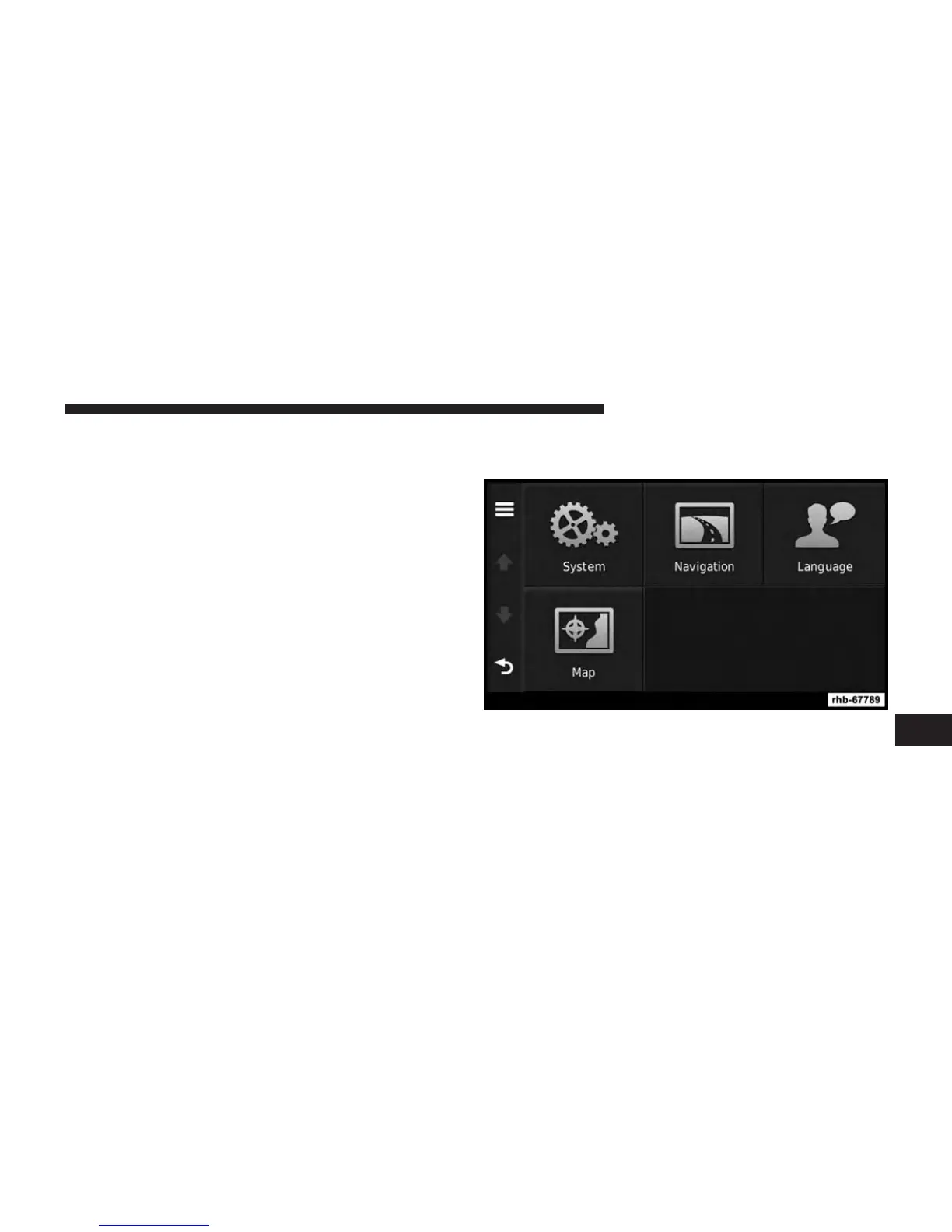
CUSTOMIZING THE NAVIGATION SYSTEM
1. From the main menu, touch “Settings.”
2. Touch a setting category.
3. Touch the setting to change it.
8
NAVIGATION (Uconnect® 430N Only) 121



 To Next Page