Touch the soft-key with the desired list item to select and
play the item.
Touch the INFO soft-key to display the track
information, press the soft-key again to close
the display.
Touch the BROWSE soft-key to browse by
categories.
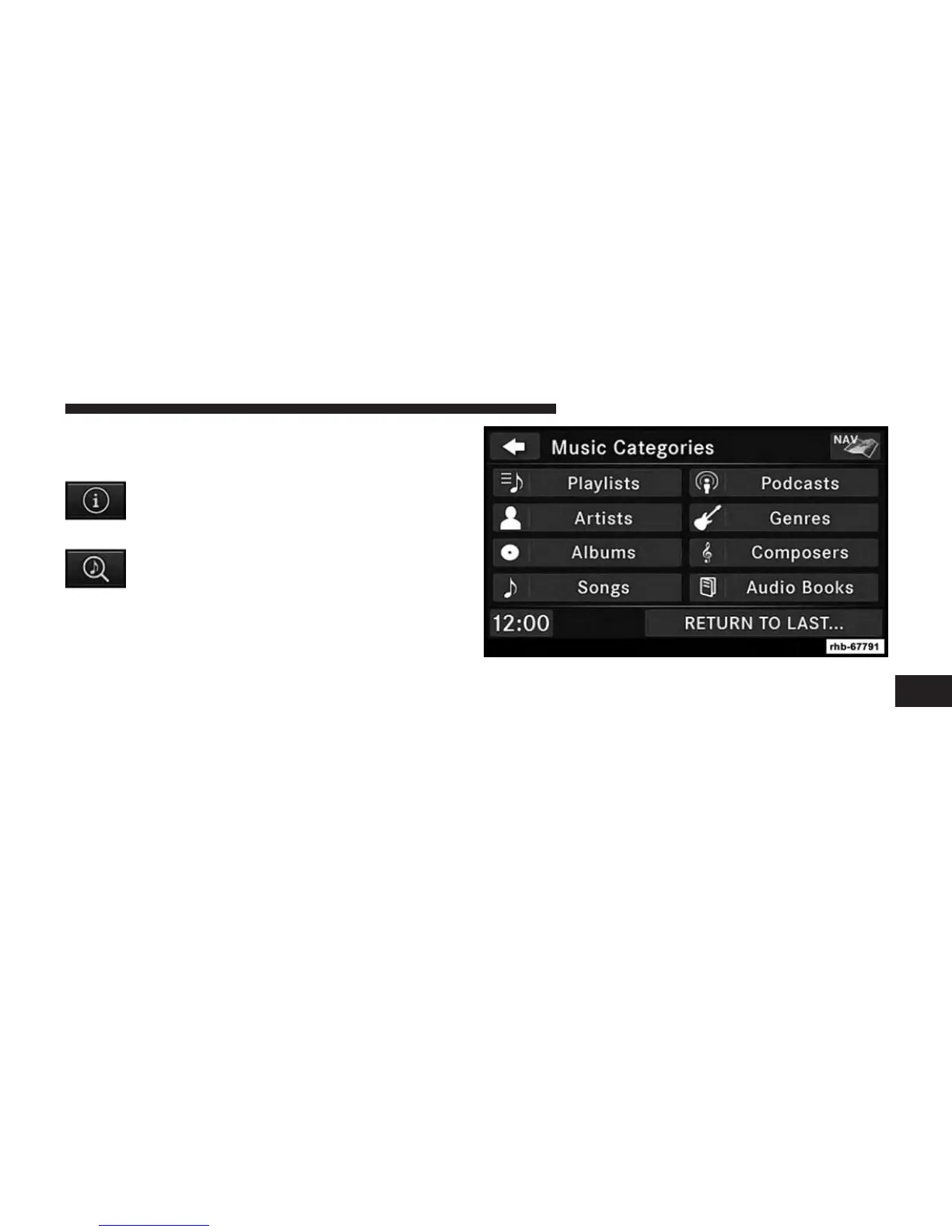
Select An iPod® Or External USB Category
The radio can sort the files by playlists, by song names,
by artists, by composers, by genres, by albums, by
podcasts or by audio books, if available on your device.
Touch the Artists soft-key for this example.
7
Uconnect® MULTIMEDIA (REMOTE DEVICES) 91



 To Next Page