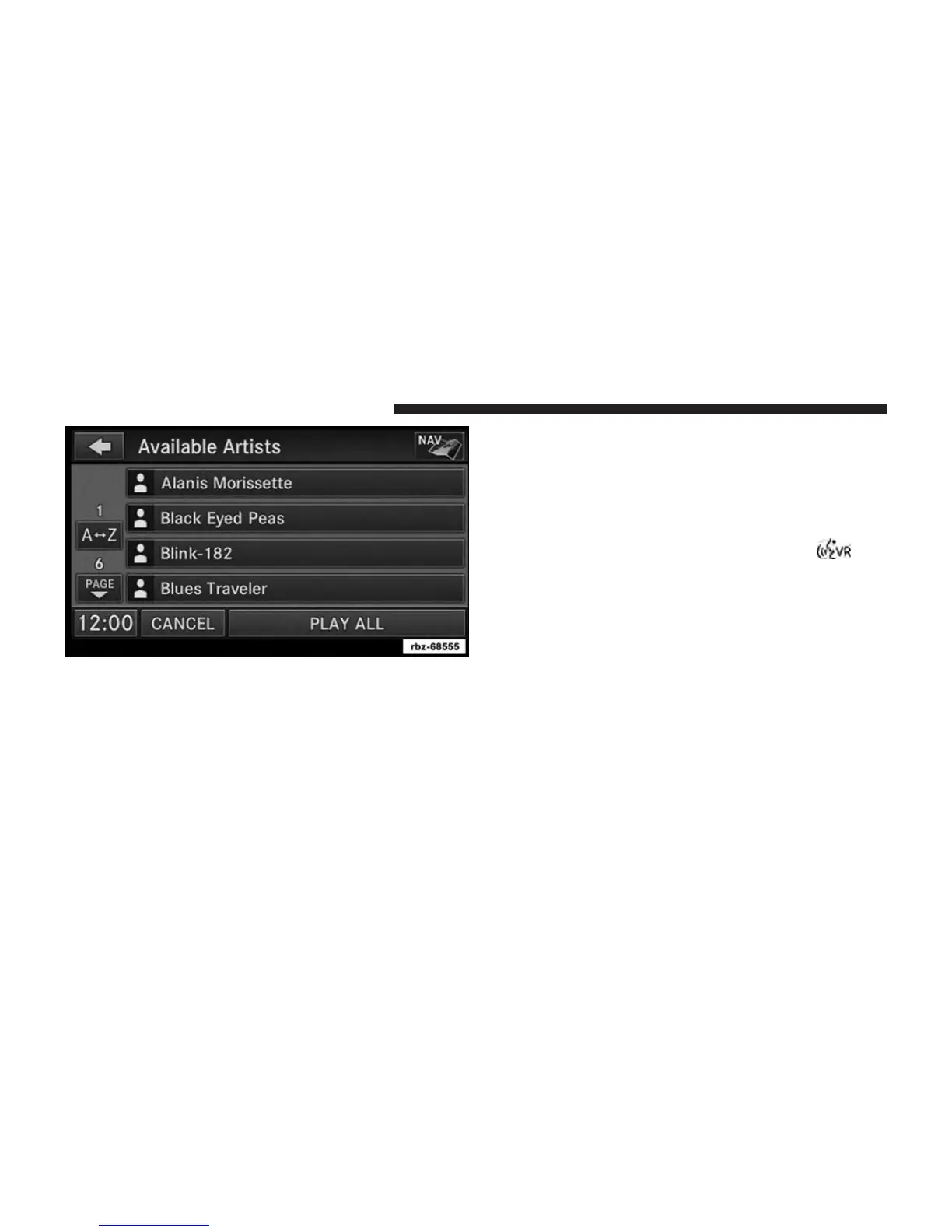
Touch a soft-key with the desired artist’s name to play
songs from this artist.
Touch the PLAY ALL soft-key to play songs from all
available artists.
Touch the PAGE UP or PAGE DOWN soft-key to navi-
gate through the list of artists.
Using Voice Command You can list Artists, Playlists,
Albums, Songs, Podcasts, Genres, Composers and Audio
Books in the main page by using Voice Command.
To list categories, press the Voice Command
hard
key and wait for the confirmation beep and say list
Album (or any other category).
92 Uconnect® MULTIMEDIA (REMOTE DEVICES)



 To Next Page