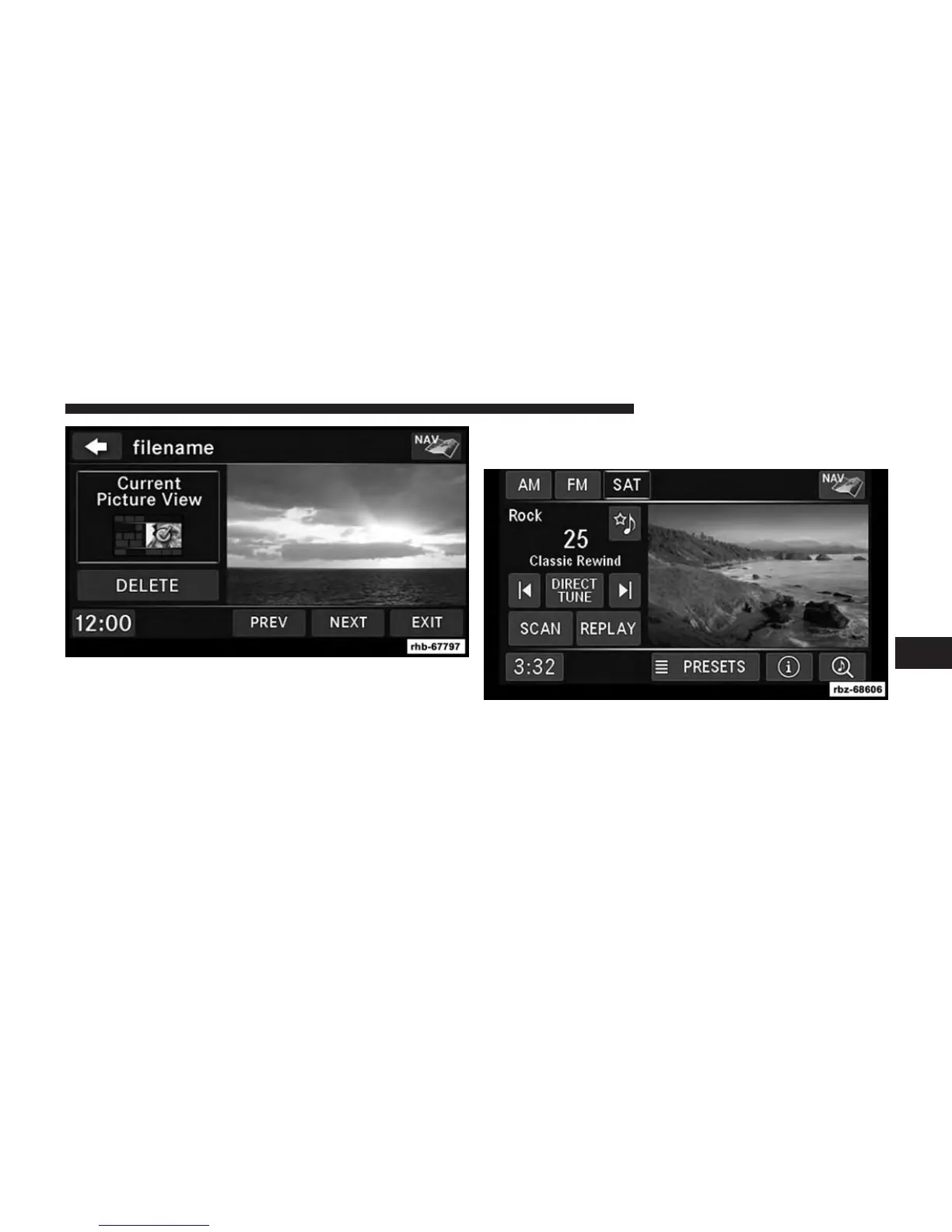
9. Select this picture by pressing the Set as Picture View
soft-key. A check mark indicates the currently used
picture.
Use the PREV or NEXT soft-key to step through the
list of available pictures.
Touch the DELETE soft-key to delete the picture from
the hard disk drive.
10. Press the MENU hard-key twice and then touch the
Picture View soft-key to enable the picture view.
The picture is now displayed on the right half of the
screen.
6
Uconnect® MULTIMEDIA (MEDIA) 75



 To Next Page