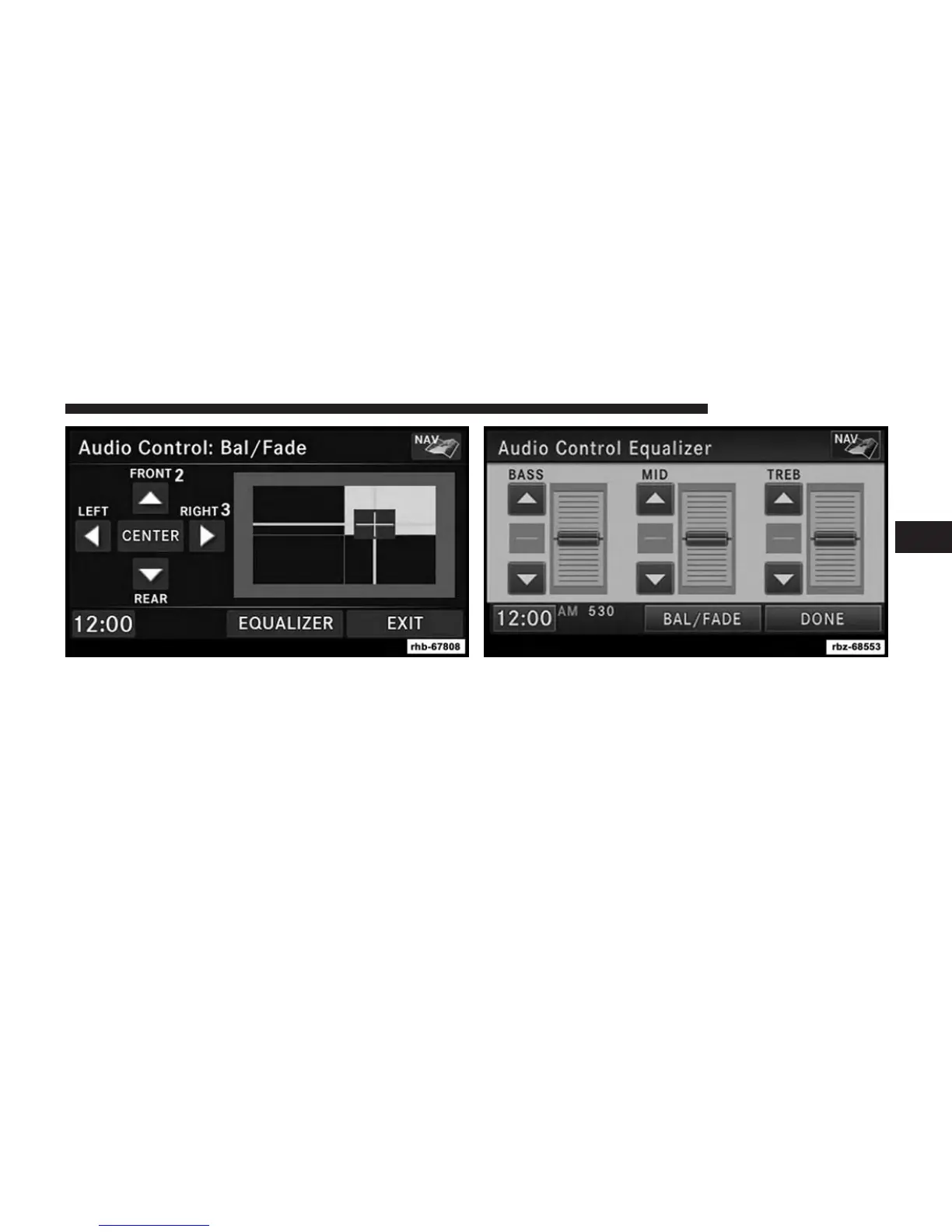
Use either the arrow soft-keys or the cross-hair on the
screen to change Balance and Fade. The CENTER soft-
key resets the settings. Press the EQUALIZER soft-key to
change tone settings.
Use either the arrow soft-keys or the sliders on the screen
to adjust BASS, MID, and/or TREBLE.
3
GENERAL HANDLING 17



 To Next Page