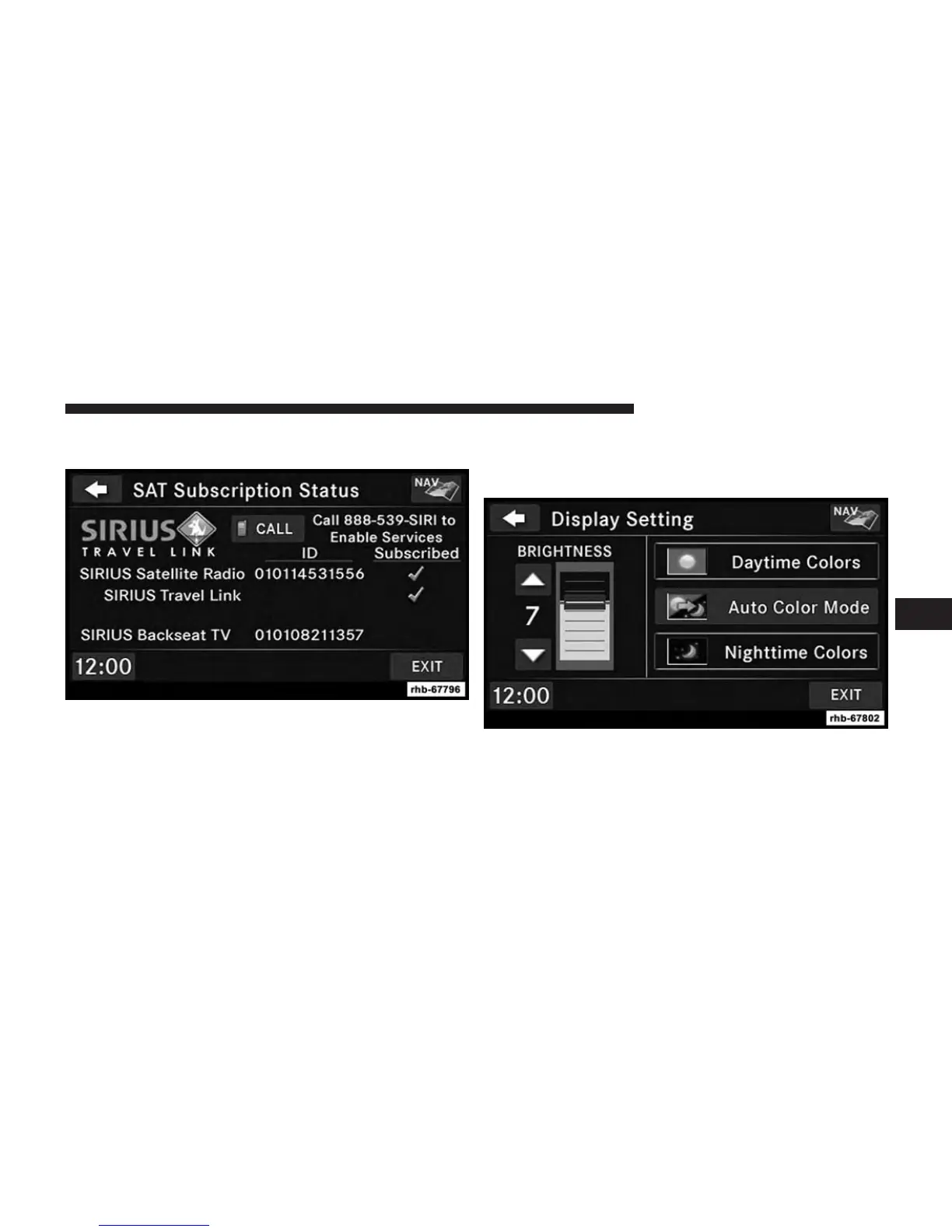
Touch the Subscription soft-key to access the Subscrip-
tion Information screen.
Write down the SiriusXM ID numbers for your receiver.
To reactivate your service, either call the number listed on
the screen or visit the provider online.
NOTE: SiriusXM Travel Link is a separate subscription
only available on the Uconnect® 430N Radio.
Display Settings
Press the MENU hard-key and touch the Display Setting
soft-key to access the Display Settings menu.
Select the Daytime Colors soft-key to switch to manual
daytime mode and to adjust the brightness of the display
using daytime colors.
5
Uconnect® MULTIMEDIA (RADIO) 37



 To Next Page