Touch the PRESETS soft-key to display the selected
source details.
In this case, the FM preset list within the selected tuner is
displayed.
You may touch a preset soft-key to change the station, or
touch the DIRECT TUNE soft-key to enter a frequency, or
press the seek up or seek down soft-keys to change the
radio station.
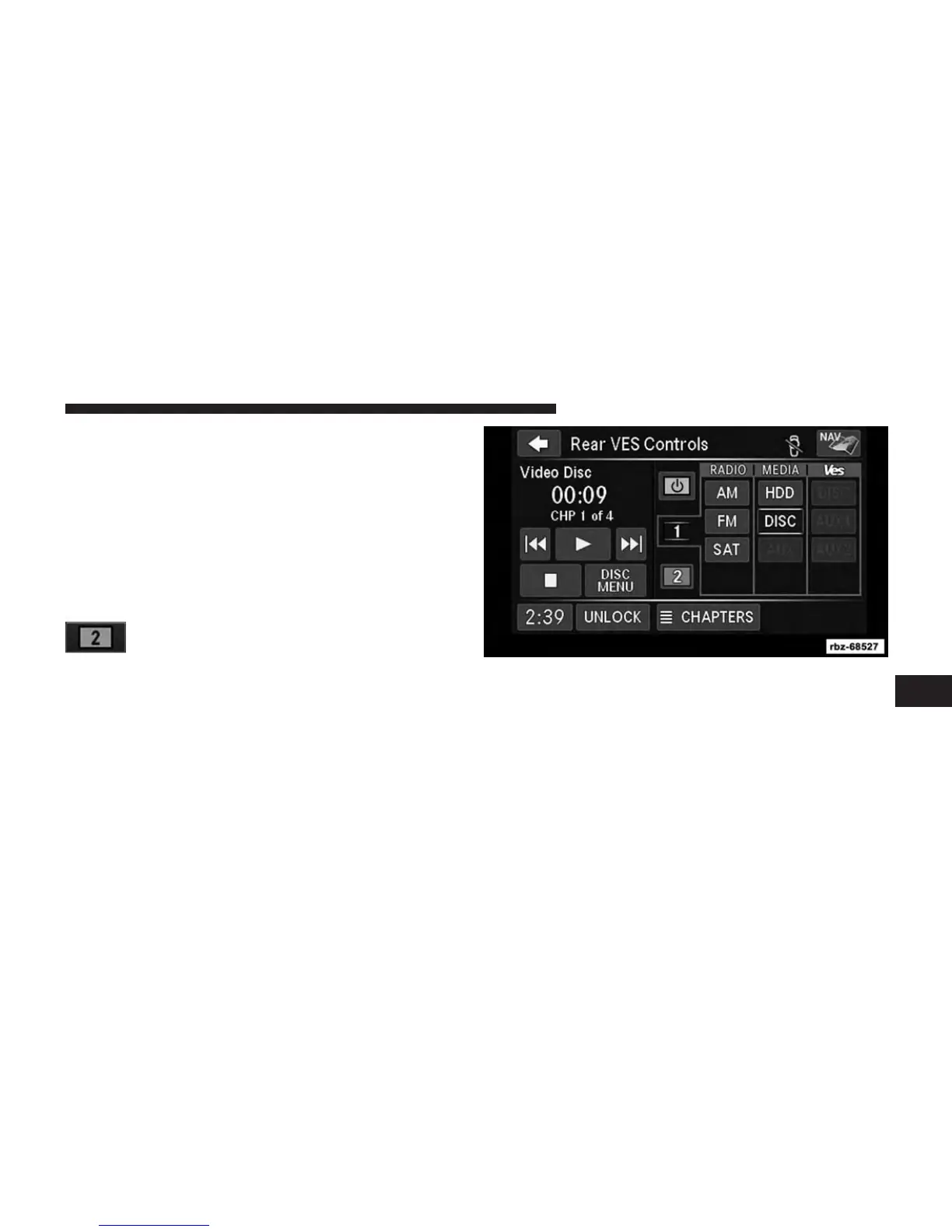
Touch the 2 soft-key tab to set the desired audio
source for the second VES™ audio channel.
The left half of the screen displays the audio source
information which is, in this case, track 227 of a playlist
on the HDD.
Touch the TRACKS soft-key to display the selected
source details.
In this case, the songs within the selected folder are
displayed.
7
Uconnect® MULTIMEDIA (REMOTE DEVICES) 81



 To Next Page