12First use of your Ultimaker Original
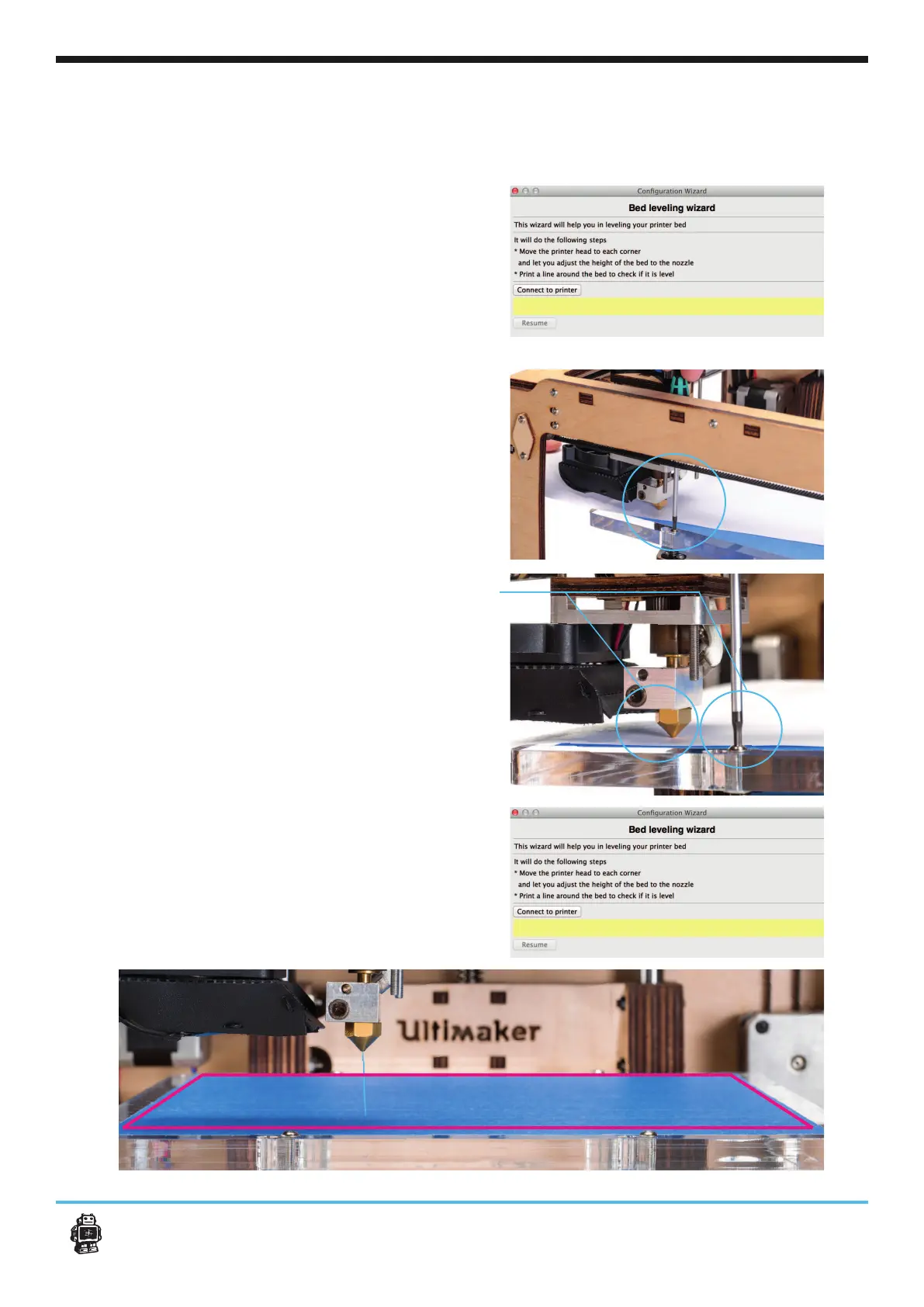
14. In this step Cura will help you to level your
printbed. Make sure you choose the
[Connect to printer] button to perform this
action.
15. The printhead should have moved to its ho-
ming position in the front left corner. The print-
bed should have moved up almost or against
Use the
piece of paper to level you bed. Slide the pa-
printhead and build plate as you screw or un-
screw with the screwdriver.
16. Make sure you feel a little bit of friction from
plate.
17.
the [Resume] button in cura. This will move the
head to the next corner. Repeat this step for all
corners.
18. Follow the instructions, when you have mate-
rial inserted your Ultimaker Original, you should
select the [Resume] button again and now your
Ultimaker printhead will heat up and print a
plate is level and the material sticks to the tape.
NOTE:












 To Next Page