- 69 -
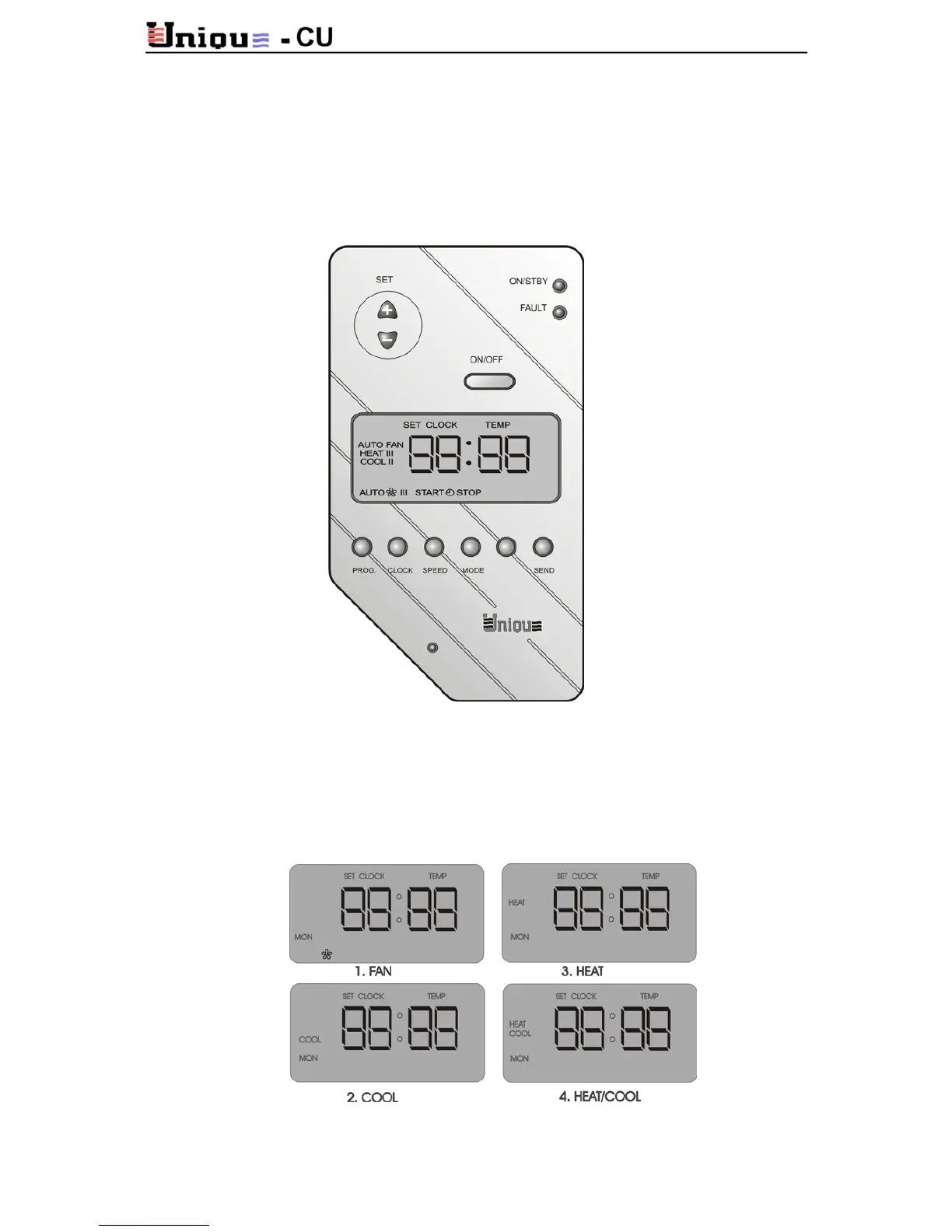
10.4. Operating Instructions for Wall Mounted Thermostat MIGA2400
10.4.1 General Settings
ON/OFF
Press ON/OFF button to activate the thermostat. Green led will light. For OFF press again
(the green led will flash when compressor time delay protection is ON).
MODE
Press the MODE button to switch between 4 modes: FAN (Fan only), COOL, HEAT, and
HEAT/COOL (automatic Heat\cool change-over).



 To Next Page