- 72 -
10.4.2 PROGRAMMING
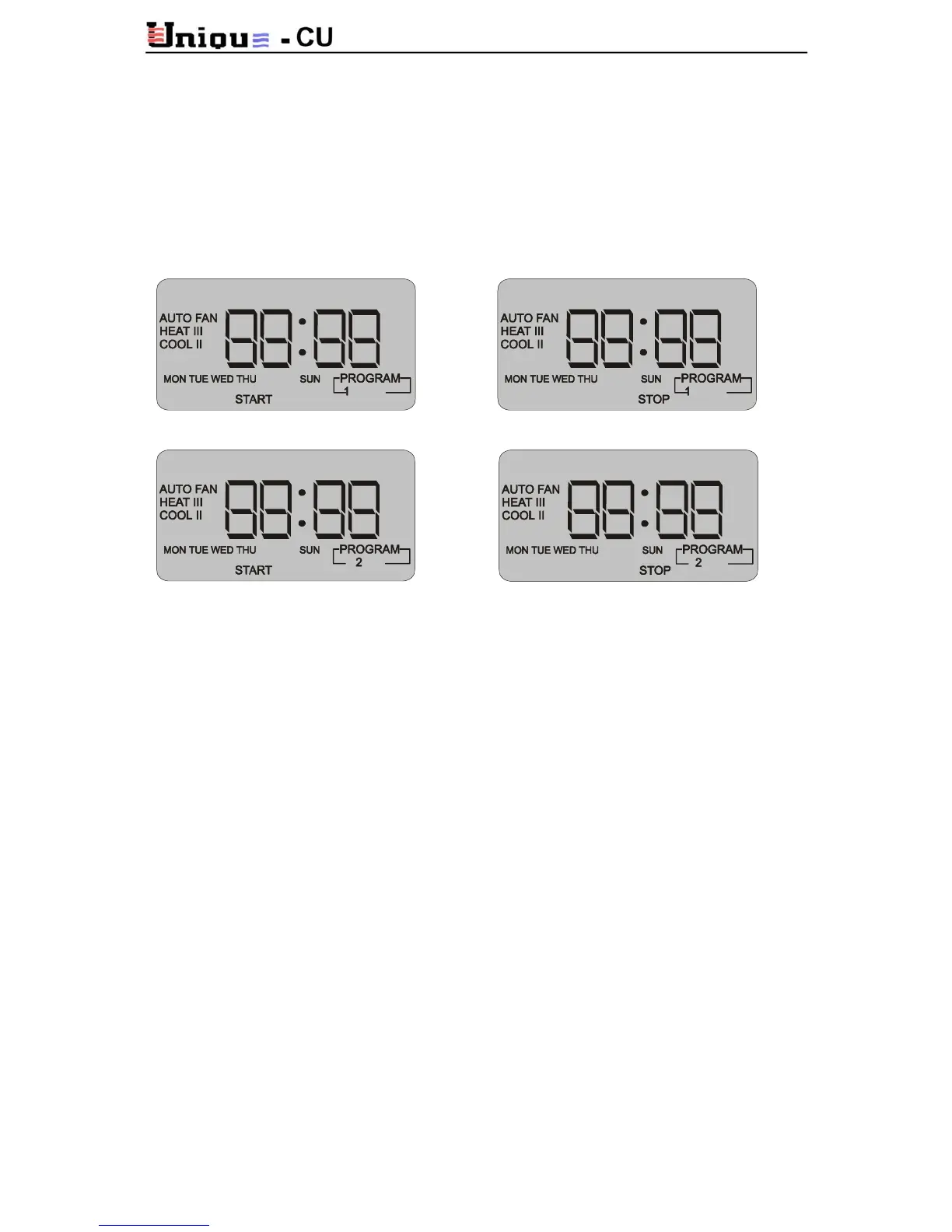
Two programs are available for setting each week day, Monday – Friday. Another two
programs are available for Saturday and another two for Sunday.
Monday to Friday programming
Press PROG. The display will flash.
A. First Program - Start Time: Press PROG. Hours indication will flash. Use the set button to
adjust the hours.
Press PROG. Minutes indication will flash. Use the set button
to adjust the minutes.
Stop Time: Press PROG. Hours indication will flash. Use the set button to
adjust the hours.
Press PROG. Minutes indication will flash. Use the set button
to adjust the minutes.
B. Second Program – Repeat above mentioned steps.
Press PROG. for several times to return to normal display mode.
NOTE: The display returns to normal mode by itself if not pressed for 13 seconds.
Saturday and Sunday programming
Repeat above mentioned steps. SAT (or SUN) indication will appear on the LCD during
programming.
Press PROG. for several times to return to normal display mode.
NOTE: The display returns to normal mode by itself if not pressed for 13 seconds.



 To Next Page