- 71 -
REAL TIME CLOCK
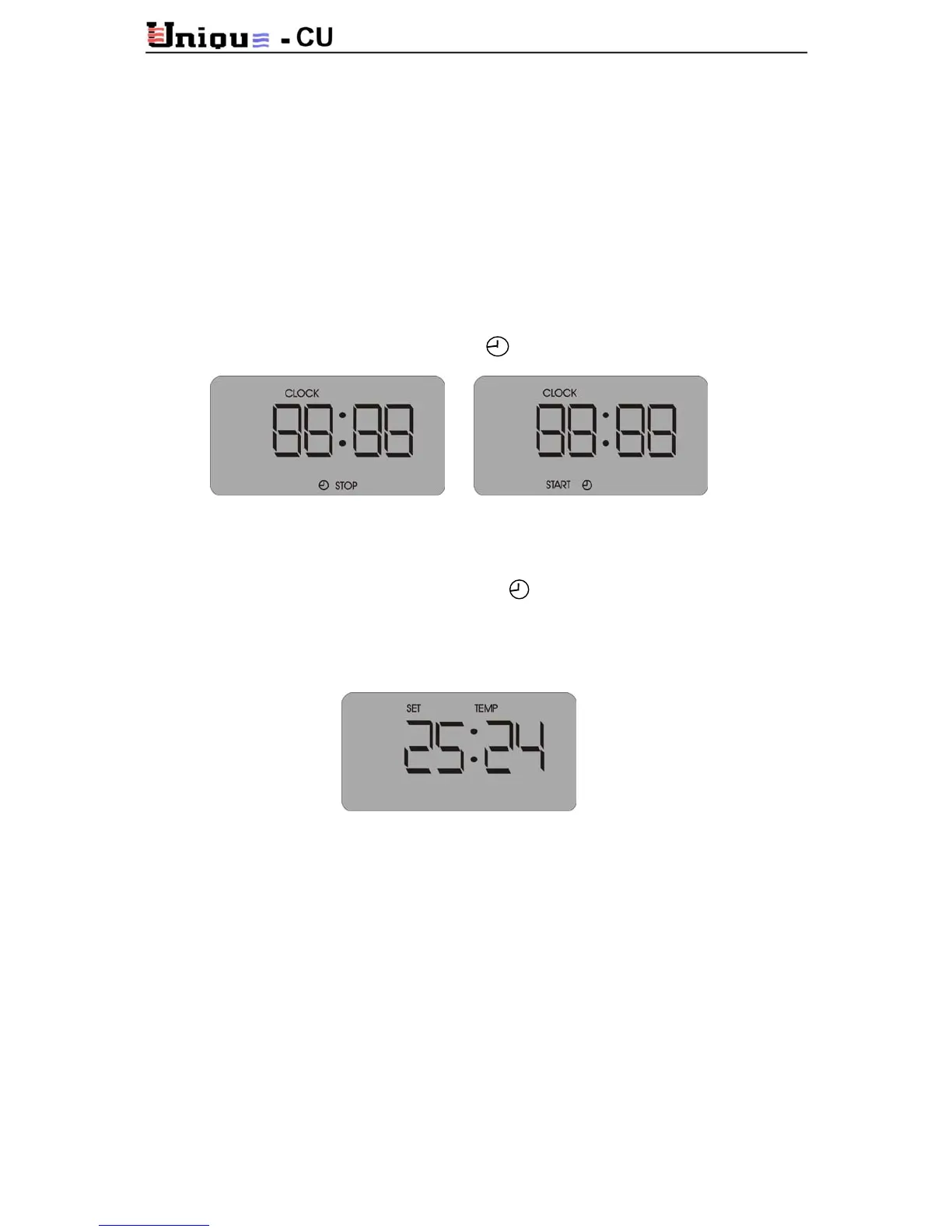
Hours adjustment: press CLOCK button, hours digits will flash, using the set button press (+)
to increase and (-) to decrease the hours.
Minutes adjustment: press CLOCK button again and adjust the minutes.
Press CLOCK again to return to normal display mode.
TIMER
TIMER setting allows you to stop the Air conditioner in a certain time (when it's ON) or to
start at certain time (when it's OFF).
To stop, when Air conditioner is ON, press PROG button, hours flashing, adjust the hours
using the set buttons.
Press PROG again and adjust the minutes using the set buttons.
Press PROG again to return to normal display - STOP will appear.
To start - when the air conditioner is in OFF - press PROG, adjust the hours using the set
buttons.
Press PROG and adjust the minutes using the set buttons.
Press PROG to return to normal display - START will appear.
ADJUSTING THE TEMPERATURE
In normal display mode, press set buttons to set the desire temperature.
RESET
In case that the air conditioner stoped and the FAULT led turned on, pressing RESET button
resets the unit.
COOL MODE PROTECTION
The compressor stops at T3 < -2°C and returns at T3 > 6°C. Three defrost cycles that occure
in1 hour will activate the defrost protection and the unit will lock. LCD displays STOP.
Reset the unit to return to normal working mode and call service.
PRESURE SWITCH ALARM
When contacts (T2, T2) open, the unit will stop. LCD will display FLT. Reset the unit to
return to normal working mode.



 To Next Page