3.1 Common
Under the Common tab, the Administrator can find the general settings for the camera, as
well as shortcuts to the following setting pages.
Ethernet: See 3.2.1 Network for details.
Time: See 3.8.1 Time for details.
OSD: See 3.4.2 OSD for details
User: See 3.7.1 User for details
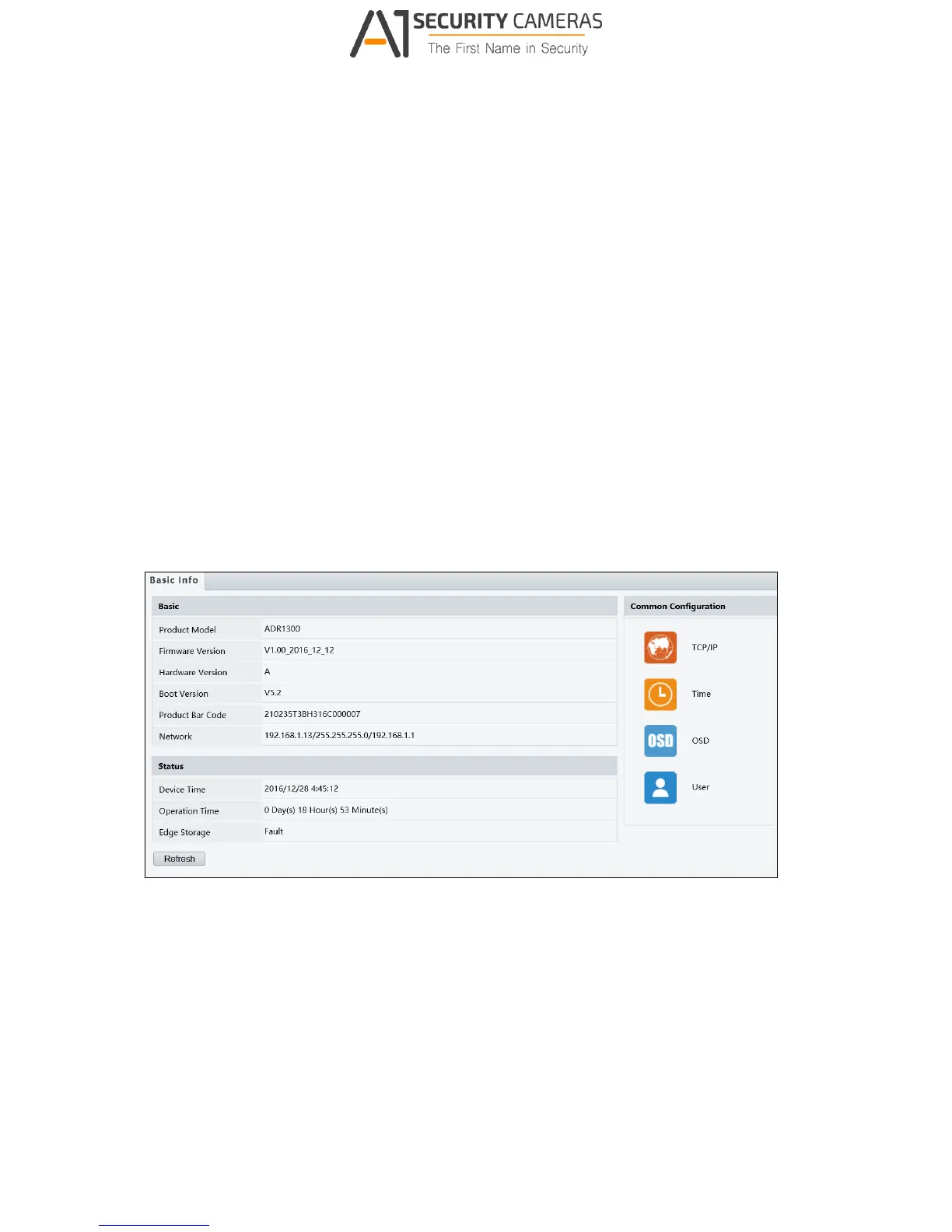
3.1.1 Basic Info
You can view the current status of your camera. Click Refresh for the latest status
information. Under Common Configuration on the right, you can click on the icons to quickly
access the configuration pages.
Figure 3-2



 To Next Page