E. Waterproofing the Cable
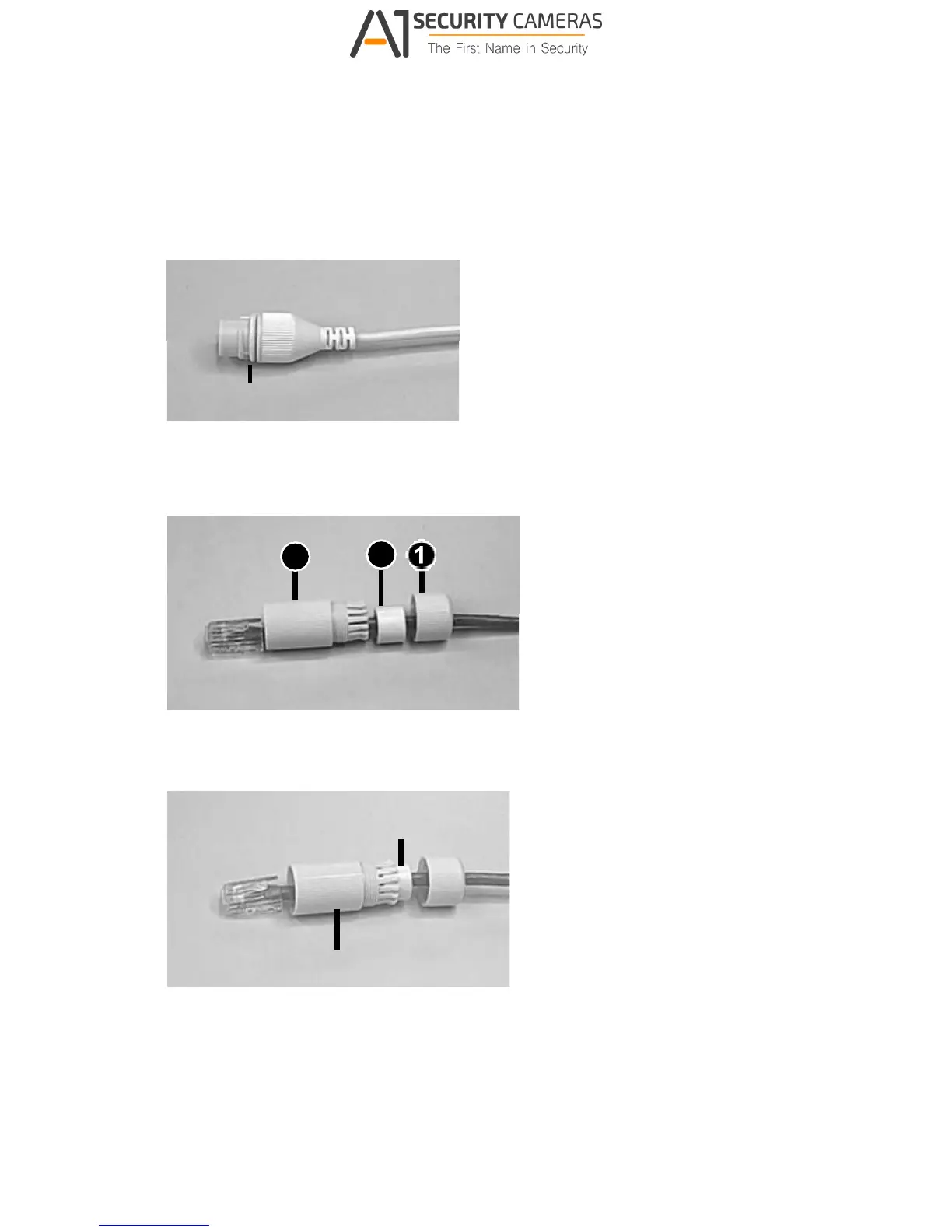
Waterproof the Ethernet cable by using the supplied waterproof rubber set.
1. Attach the seal ring to the RJ-45 plug.
Seal ring
Figure E-1
2. Insert the waterproof components through the Ethernet cable as shown below.
3
2
Insert in order
Figure E-2
3. Insert the cylindrical waterproof ring into waterproof bolt.
Cylindrical waterproof ring
Water



 To Next Page