5.2 Restoring to Factory Default Settings
You can restore the camera to factory default settings using the Web interface or directly on
the camera.
Note: There is no default button on ABD1300 and ADR1300.
5.2.1 Using the Web Interface
1. At the top, click Setup.
2. In the left menu, select System and select Maintenance.
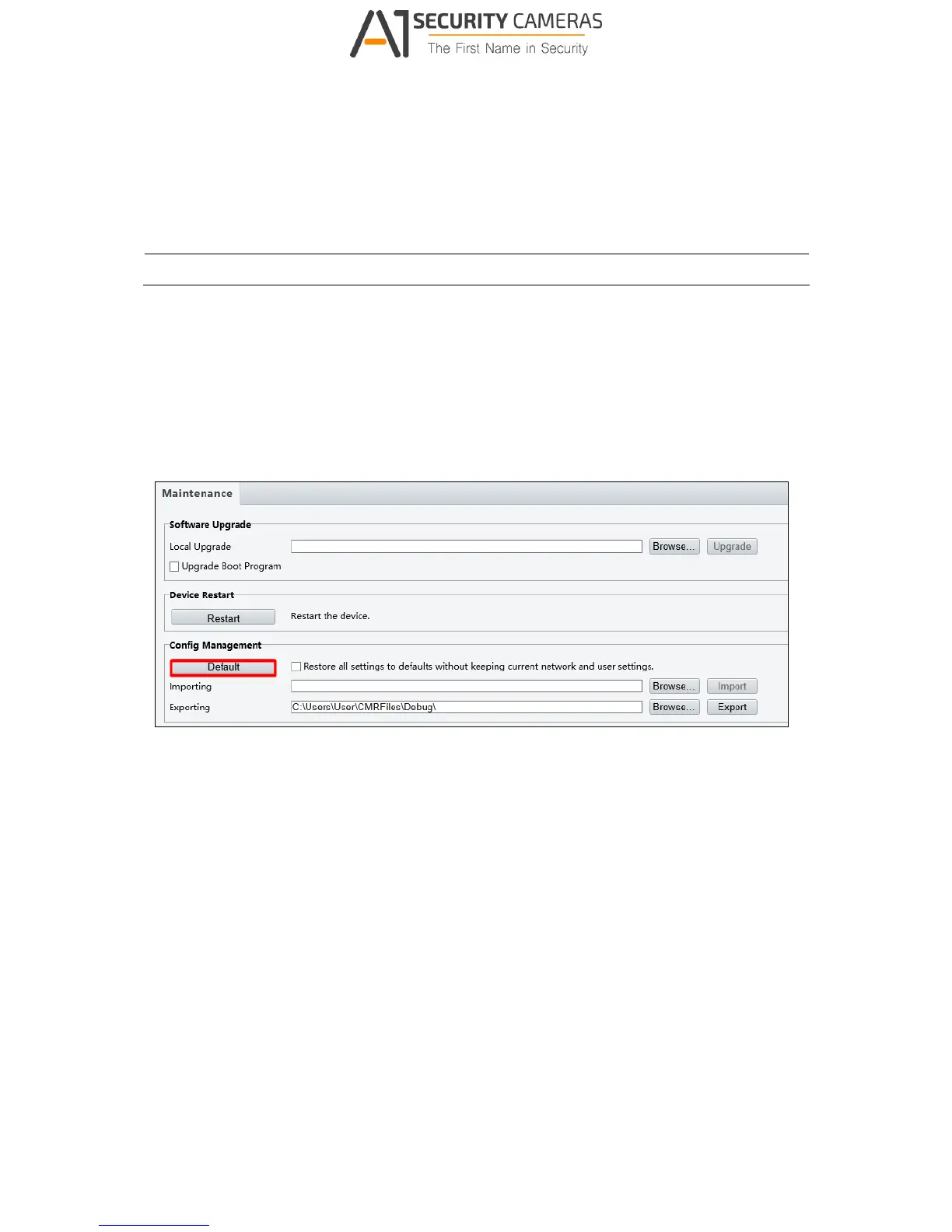
3. Under the Config Management section, click the Default button.
Figure 5-4



 To Next Page