4
Recording and Playback
4.2.1 Recording Download
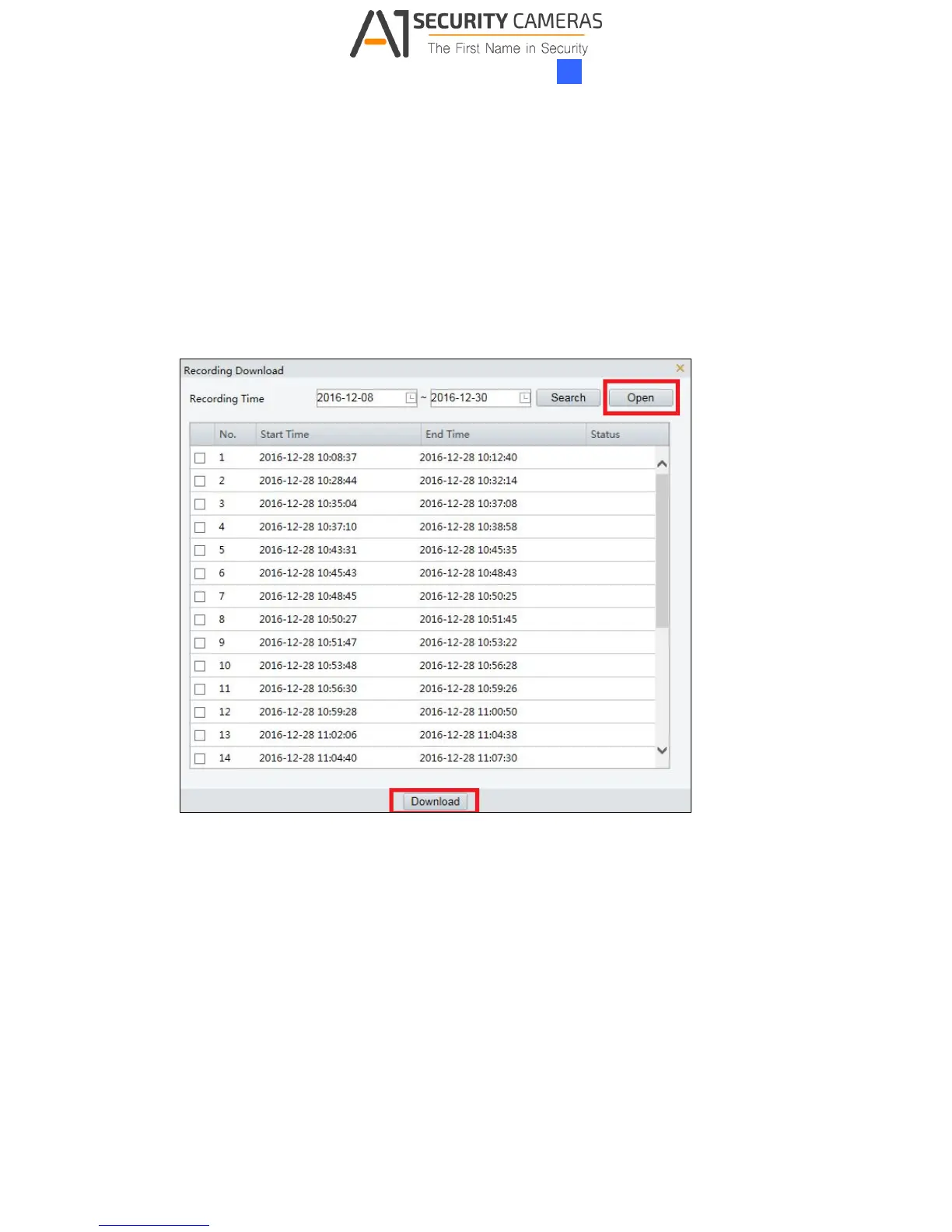
You can search and download the recorded videos stored in the memory card.
1. Click Recording Download on the Playback page.
2. Select a time period to search for video, and click Search. The search results are
shown.
Figure 4-4
3. To download the videos, select the files and click Download.
4. To open the folder for storing recordings, click Open.



 To Next Page