3.4.3 Privacy Mask
On certain occasions, you may need to set a mask area to block out parts of the camera
image to protect privacy, for example, the keyboard of an ATM machine. When PTZ changes
its position or zooms, the Privacy Mask will be adjusted accordingly to protect the area all
along.
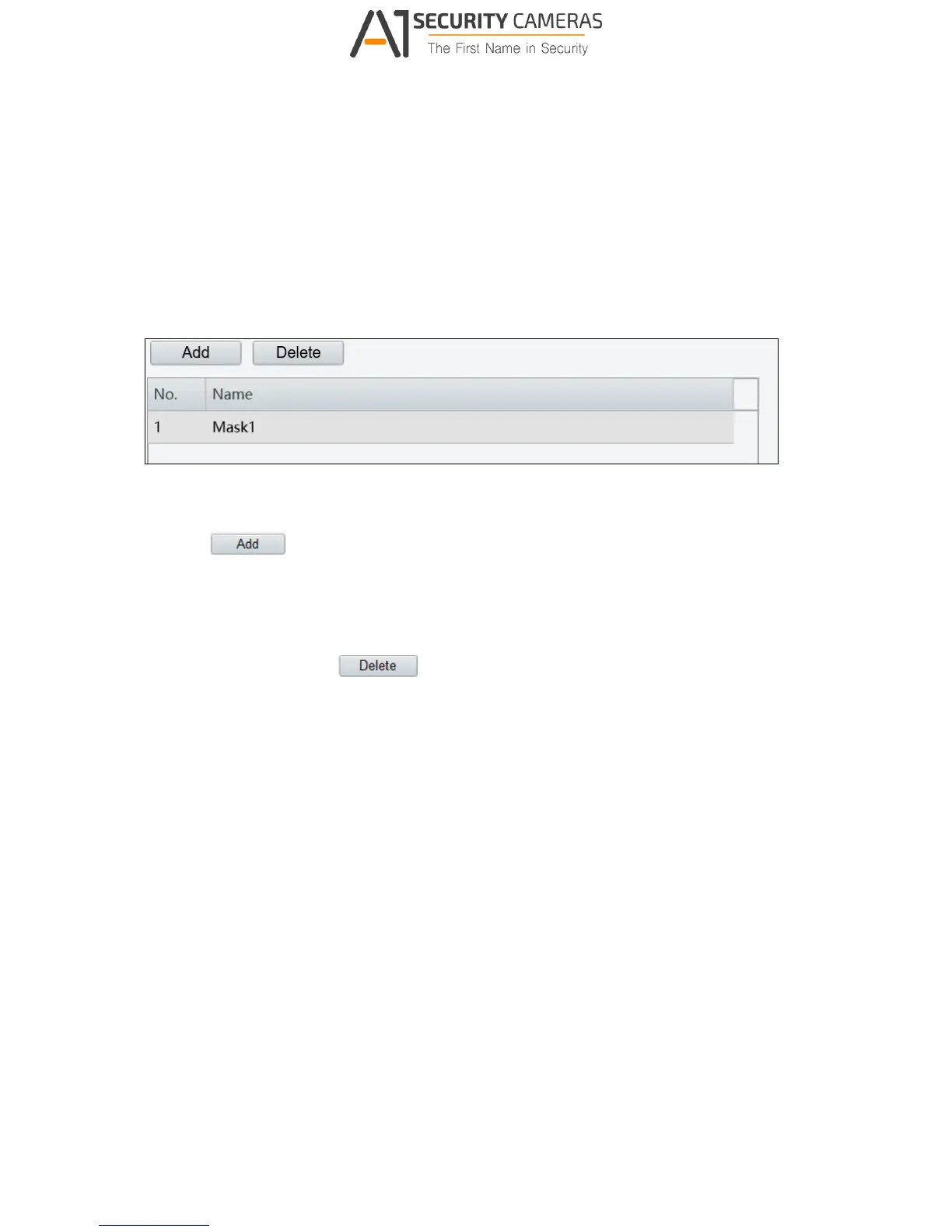
Figure 3-23
1. Click
to add a privacy mask.
2. Click the box (with Mask displayed on it) to activate the mask.
3. Drag the box to the intended position and adjust the size of the box. Alternatively, you
can also use the mouse to draw a box on the area you want to mask.
4. To delete a mask, click
.



 To Next Page