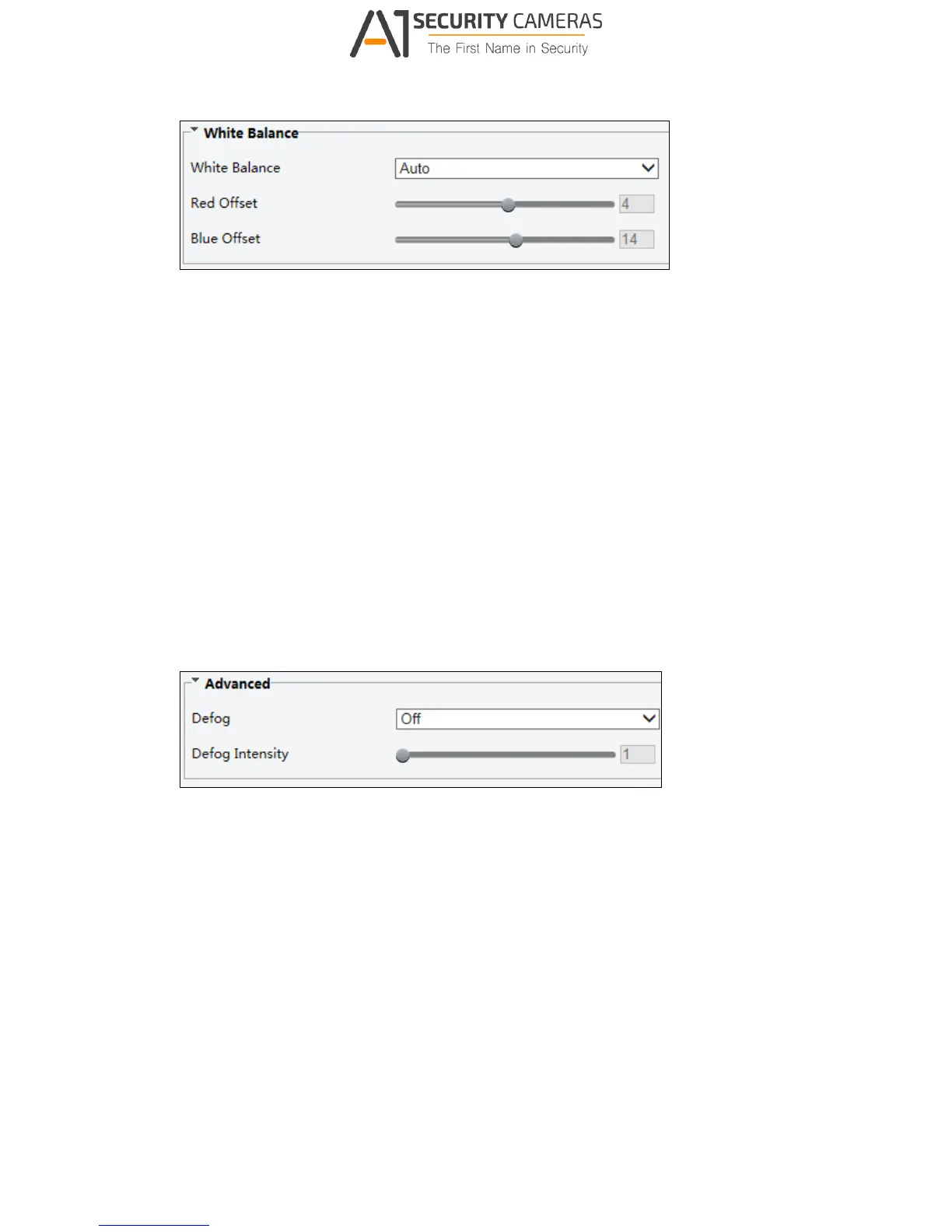
Figure 3-20
[White Balance]
White Balance: Adjust the red or blue offset of the image.
Auto: Adjust the red and blue offset automatically according to the light condition
(the color tends to be blue).
Outdoor: It is recommended for the outdoor scenes with a wide range of the color
temperature variation.
Fine tune: Allow you to adjust the red and blue offset manually.
Sodium Lamp: Adjust the red and blue offset automatically according to the light
condition (the color tends to be red).
Locked: Lock the current color temperature settings without adjustment.
Figure 3-21
[Advanced]
Defog: Select ON to activate the slider for adjusting the defog intensity for images.



 To Next Page