6
DVR Configurations
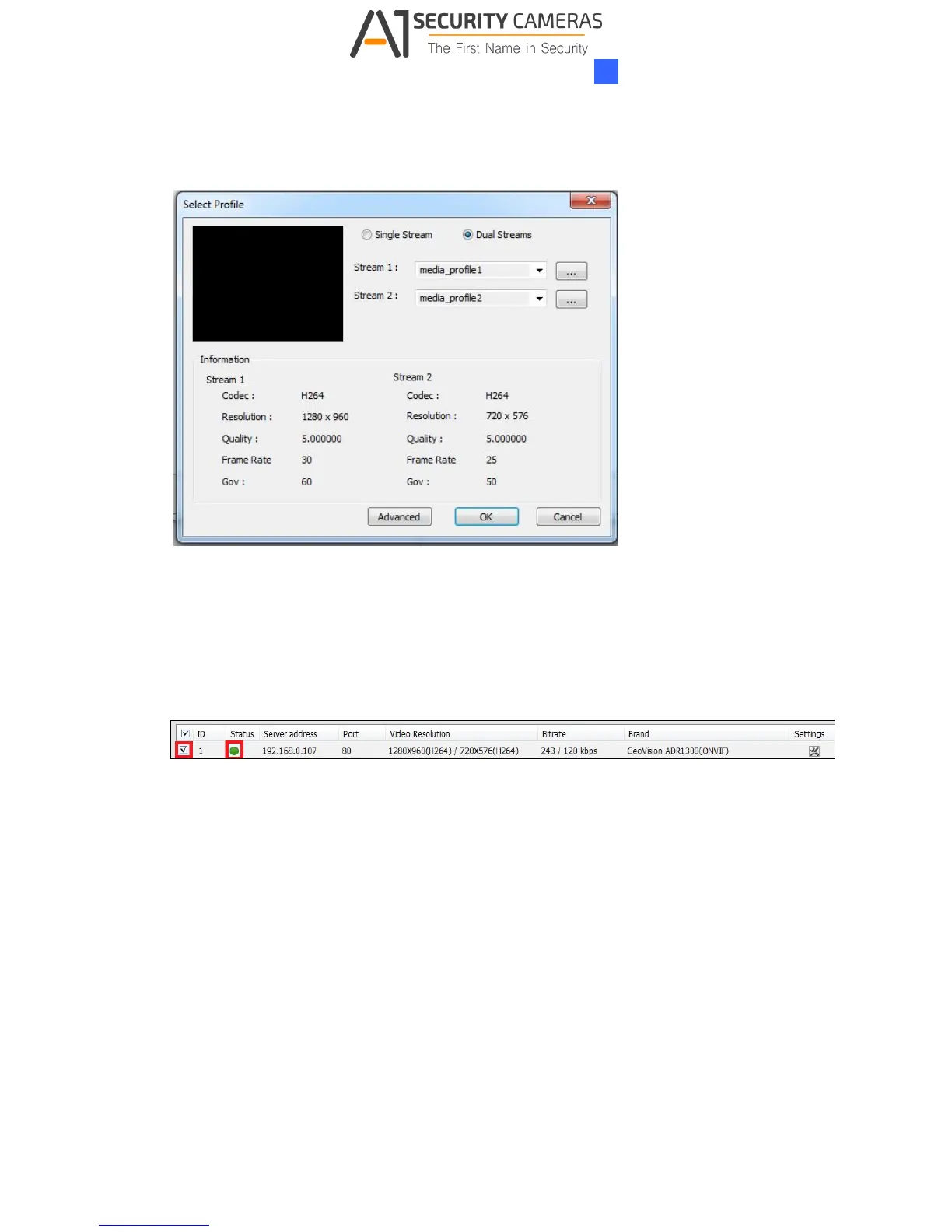
4. Click OK. This dialog box appears.
Figure 6-8
5. Click OK to add the camera to the list.
6. To connect the added camera, click the box besides the ID column. Upon successful
connection, the Status icon shows green, with the video resolution and bitrate being
displayed in the correspondent columns.
Figure 6-9



 To Next Page