USR-DR404 user manual www.usriot.com
Jinan USR IOT Technology Limited www.usriot.com
3.1.1. Transparent mode
USR-DR404 supports transparent transmission mode. Under this mode, the data needs to be sent and received will be
transported transparently between the serial port and WIFI/Ethernet, no analyzing, minimize the complexity of use.
3.1.2. Serial command mode
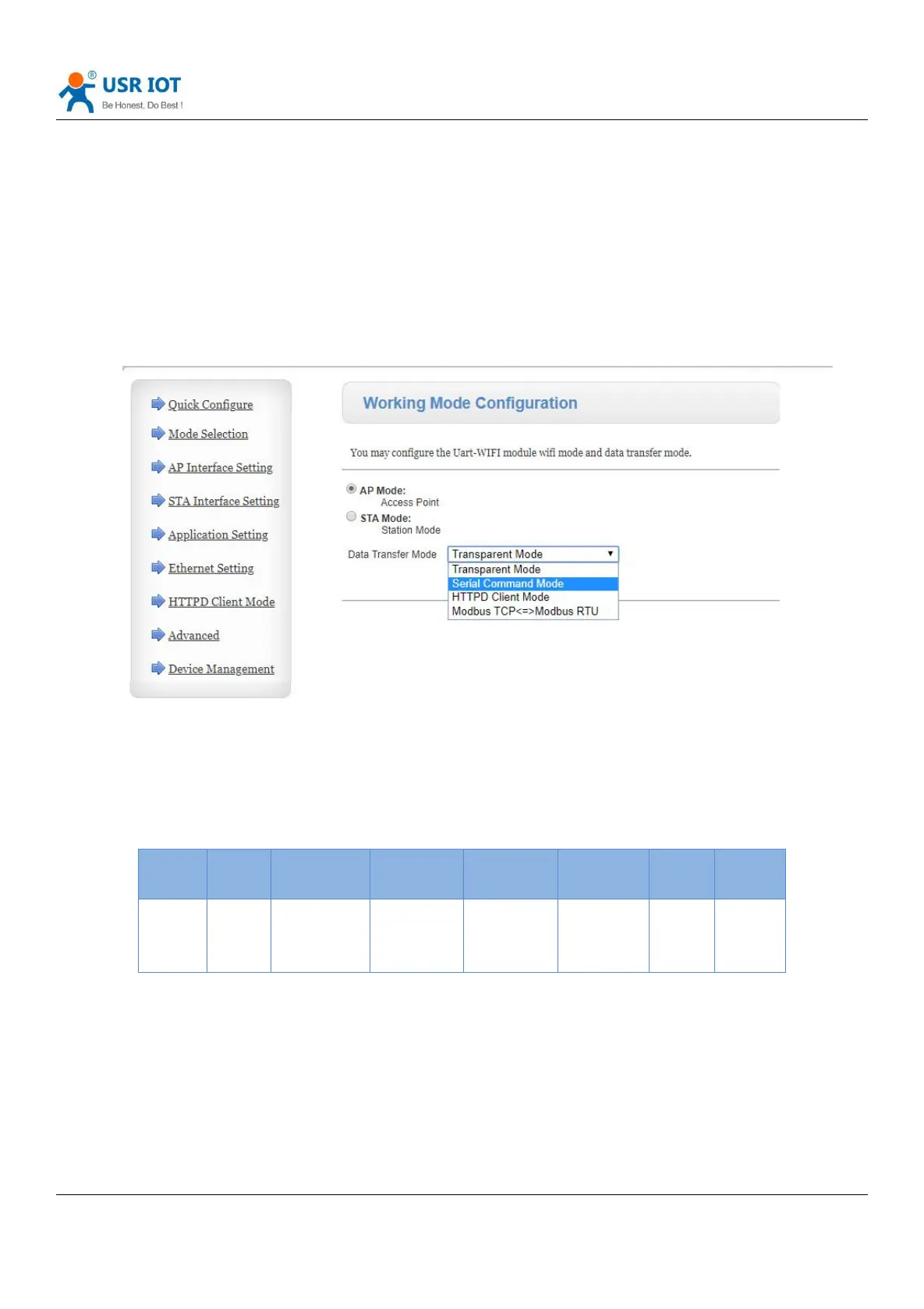
In this mode ,when USR-DR404 works in UDP client or TCP client, allow sending serial data to different servers.
Diagram 14 Serial command mode
The MCU sends data packets according to the following format. After the WIFI serial server has finished parsing, it only
sends n bytes of data to the destination address. When data is returned, the data is output directly from the serial port
without parsing.
Form 4 Serial command mode
Header:
0x55 0xaa
Length:
The total number of bytes from function code(included) to parity (do not included), the high is in front.
Function code:
Bit0:(UDP:0 ;TCP:1)
Bit1:(long connection:0)Note: Only long connections are currently supported.
Bit2:(IP: 0; domain name: 1)



 To Next Page