USR-DR404 user manual www.usriot.com
Jinan USR IOT Technology Limited www.usriot.com
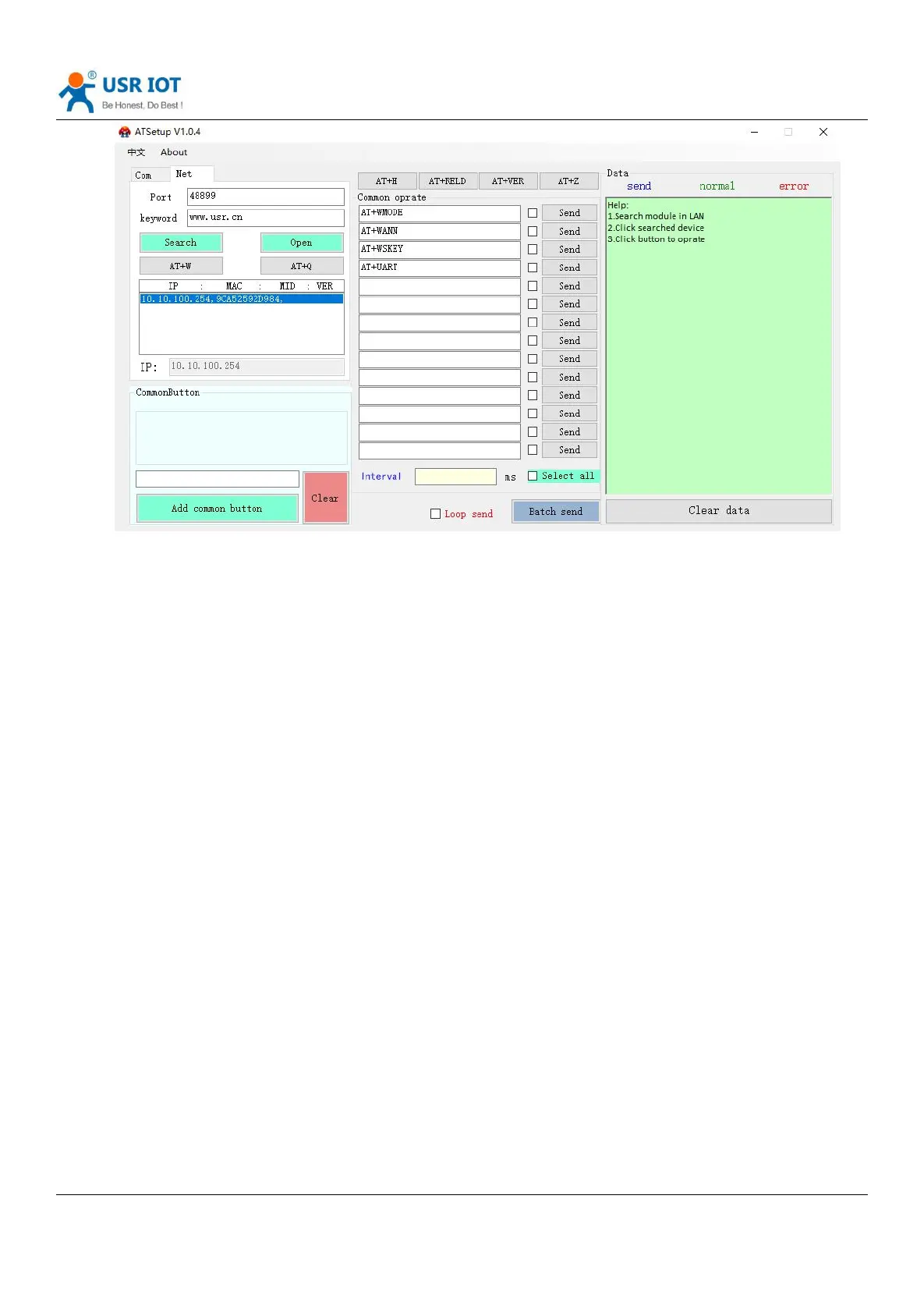
Diagram 51 AT command software
4.3.3 Command Format
Based on the ASCII command , the format of the AT command are as below:
Format description:
< >: the content that have to be included
[ ]: the part can be select
Command:
AT+<CMD>[op][para-1,para-2,para-3,para-4…]<CR>
AT+: command prefix
[op]L: command operating code, parameters setting or query;
“=”: parameters setting
“NULL” : query
[para-n] : fill when setting the parameters
<CR>: end, enter, ASCII code,: 0x0a or 0xod
Note: When echoing, the terminator is automatically converted to 0x0a0d. When entering a command, the "AT + <CMD>"
characters are automatically echoed to uppercase, and the parameters remain unchanged.
Response data
+ <RSP> [op] [para-1, para-2, para-3, para-4…] <CR> <LF> <CR> <LF>
+: the response prefix
RSP: response string ,including:
Ok
Err
[op]: =
[para-n]: return parameters or the error code:



 To Next Page