USR-DR404 user manual www.usriot.com
Jinan USR IOT Technology Limited www.usriot.com
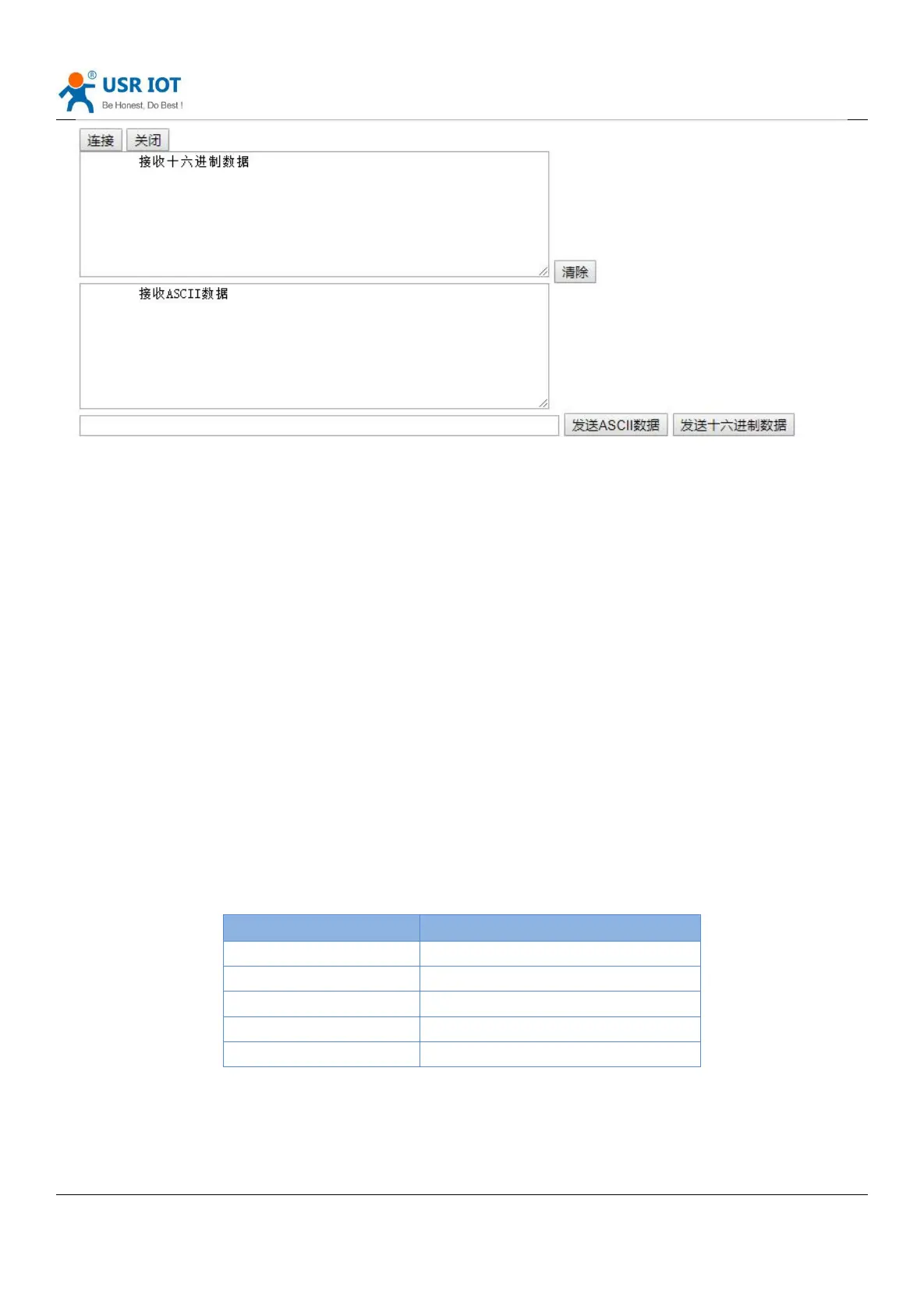
Diagram 33 Websocket Webpage
Click the “Connect” to realize a Websocket connection, then serial and webpage can transport data with each other.
The Websocket server of the DR404 supports 8 clients to connect at most.
People make webpage application and have high requirement for the respond speed can contact us.
Note: this function uses the 8000 port of the DR404.
4. Product parameter setting
UAR-DR404 supports two ways to set the parameters: AT command and webpage. For the setting of AT commands,
please refer to the “AT Commands” section of this document; this chapter mainly describes the Web setting methods.
4.1. Web Page
First time using the DR404, you can configure it via webpage. PC connects to AP interface of USR-DR404. Default SSID,
IP and username, password are as fellows:
Form 19 Basic Parameters



 To Next Page