USR-DR404 user manual www.usriot.com
Jinan USR IOT Technology Limited www.usriot.com
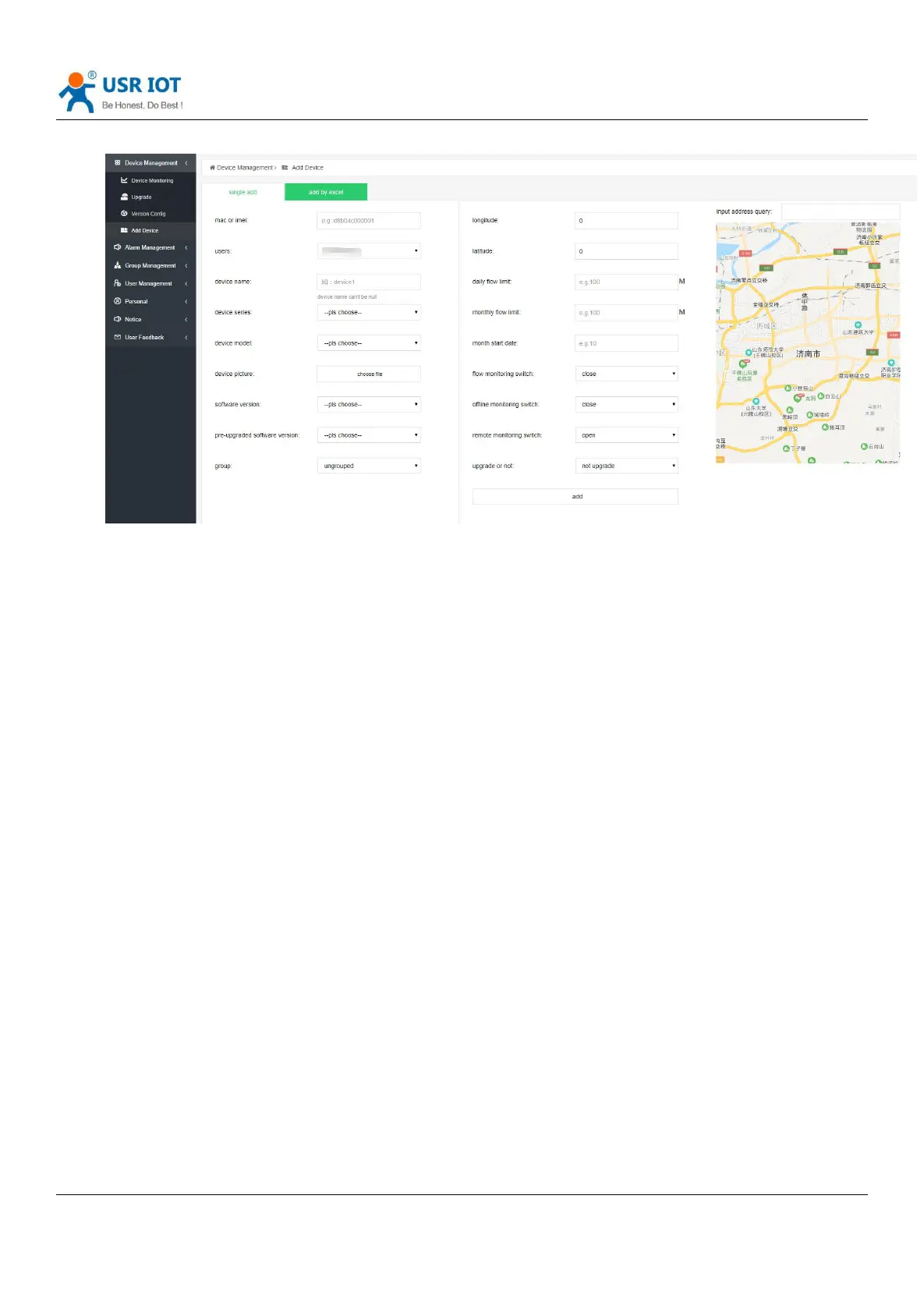
Diagram 32 Add device
① After the remote monitoring function is turned on, you can view the running status of the device and remotely
send AT commands to control the device. Corresponding to the "device monitoring" function on the left menu, the
"device monitoring" interface can see the online devices after opening.
② If you need to upgrade the equipment, choose whether to upgrade.
Note: When the device needs to be upgraded, the "software version" and the pre-upgrade version must be set to
different.
(4) Device upgrade
a: Modify the software version and pre-upgrade version of the device to different version numbers
b: Select whether the device upgrade switch is on.
c: Check whether the device is successfully upgraded through the device upgrade record.
3.14.Websocket
DR404 supports websocket server. Instead of the ways such as HTTP GET, POST, PUT, and is faster. Providing the related
websocket testing webpage for user to testing, details are as below:(10.10.100.254/websocket.html)



 To Next Page