USR-DR404 user manual www.usriot.com
Jinan USR IOT Technology Limited www.usriot.com
2. After receiving the ‘a’ returned by the module, the device must send another confirmation code ‘a’ to the module
within 3 seconds.
3. The module will return ‘+ok’ , and enter AT command mode.
Change AT command mode to transparent transmission mode, HTTPD Client:
1. Serial device send “AT+ENTM”to module.
2. After the module receive the commend, feedback “+ok”, then back to the previous working mode.
Note: The specific AT command requires a ENTER, but the "+++" and "a" sent by entering the AT command process do not
need a ENTER.
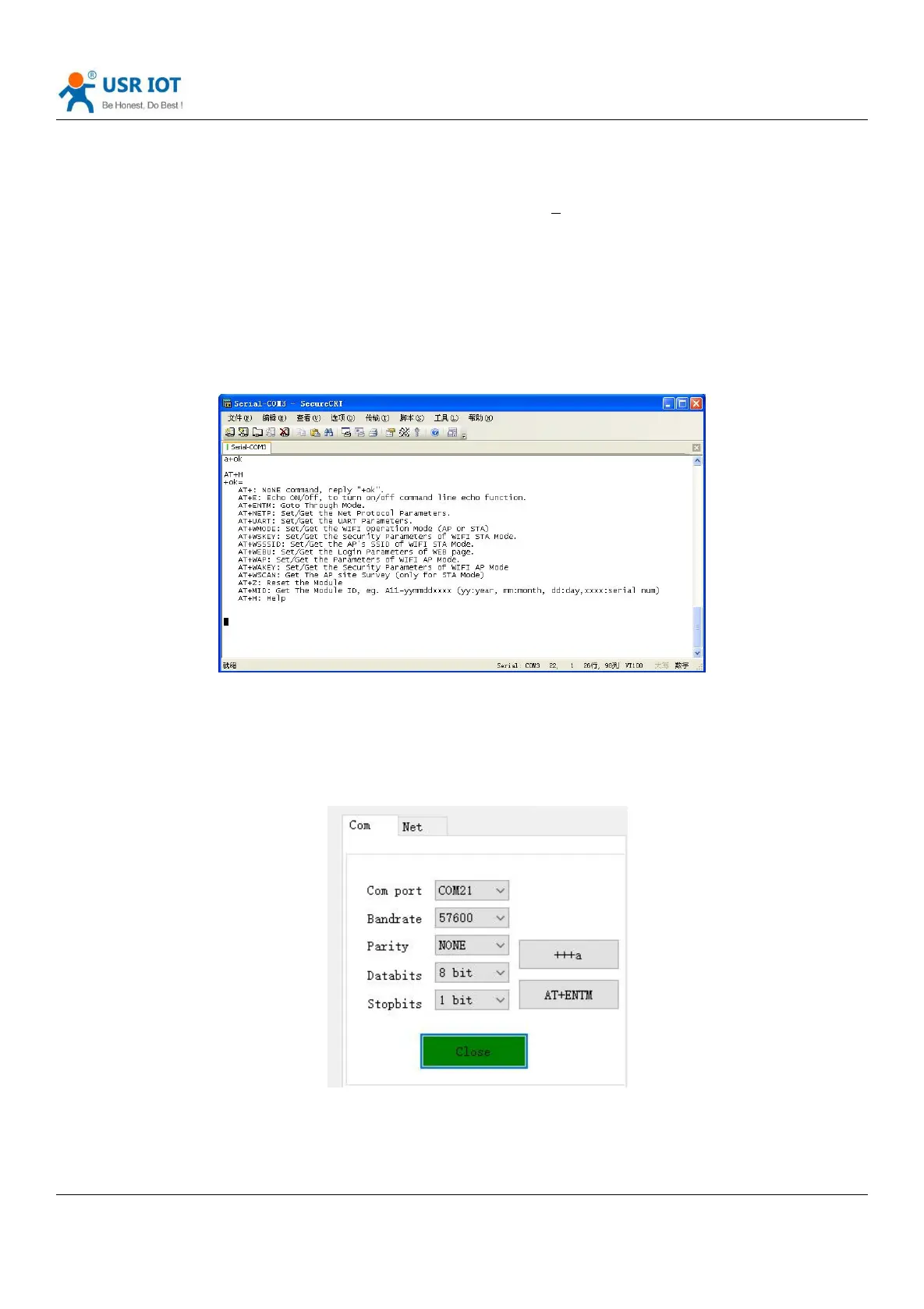
In AT command mode, you can view all AT commands and descriptions of USR-DR404 through the following help
commands, as follows:
AT + H
Diagram 47 AT command mode
In order to enter the AT command mode to set parameters conveniently, our company provides "AT command
software":
Diagram 48 Search via serial port
Click “Open”, send "+++ a", receive the response "+ ok", then enter the AT command to be sent in the left operation
area. After the setting is completed, click "AT + Z" to restart the module, and the parameter settings can be completed.



 To Next Page