Status / Job Cancel
7-19
7
Pause and Resumption of Jobs
Pause /resume all printing jobs in printing/waiting.
The procedure for pausing and resuming jobs is explained below.
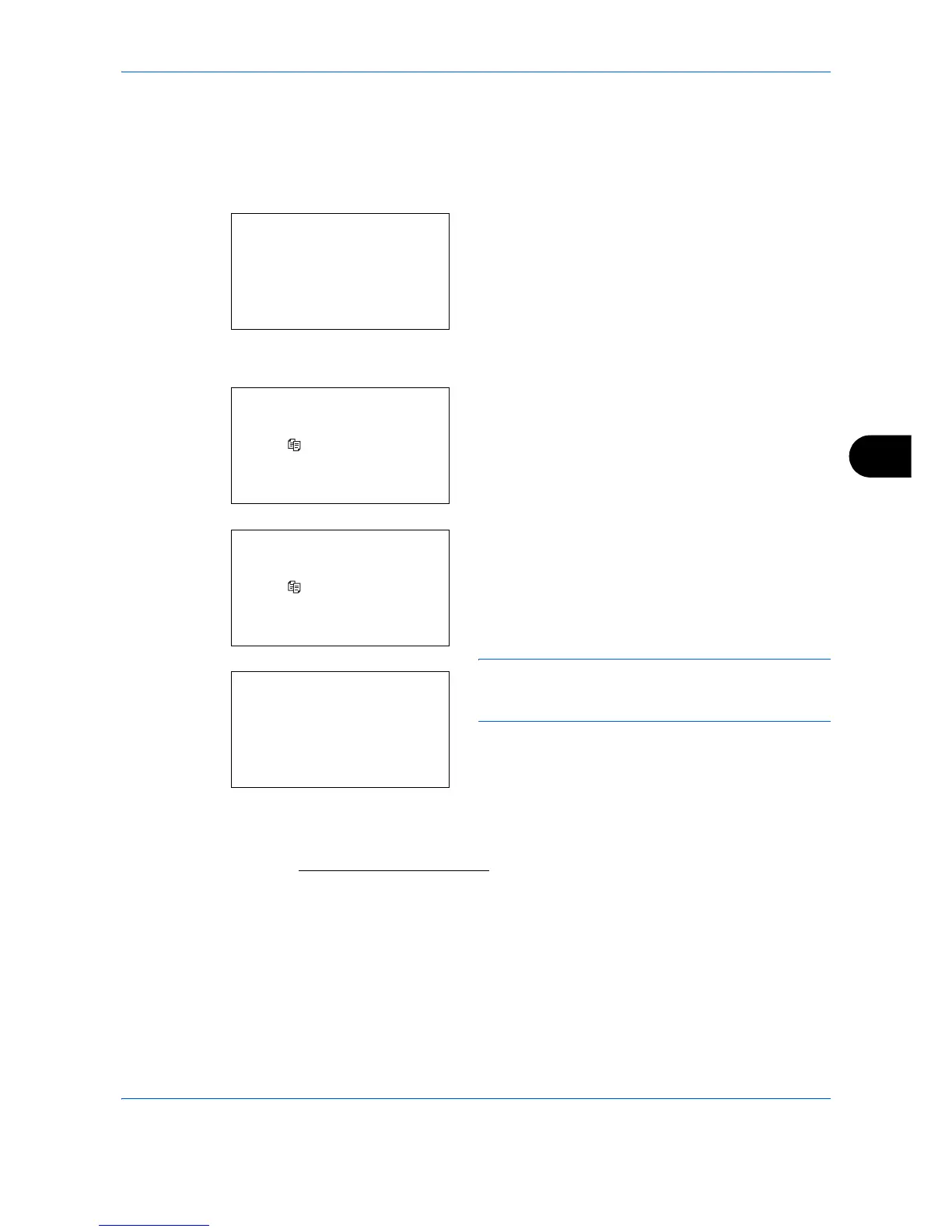
1 Press the Status/Job Cancel key. The Status
menu appears.
2 Press the or key to select [Print Job Status].
3 Press the OK key. Print Job Status appears.
4 Press [Pause] (the Left Select key). Printing is
paused.
When you press [Resume] (the Left Select key) to
resume printing.
NOTE: When you press the Back key, a confirmation
screen appears. Press [Yes] (the Left Select key) to
resume printing.
Canceling of Jobs
For canceling jobs, refer to Canceling Jobs on page 3-46.


 To Next Page
 Loading...








