7 Setting up
Attention:
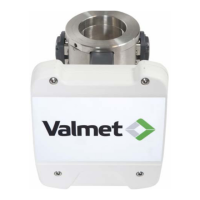
Do not bend or twist the optical fiber. The smallest allowed radius is
100 mm (4"). Never pull the sensor by the optical fiber!
Handle the sensor with care. If the sensor tip needs cleaning, use water or alcohol and
a soft cloth, do not scratch with a screwdriver or other hard tool! Be careful not to
damage the optical fiber.
Basic set-up procedure:
1. Make the basic settings:
• Select the temperature unit (Celsius/ Fahrenheit) and language; see User
settings.
• Set the device date and time; see Set clock.
• Scale the current output; see Output signal1.
2. Calibrate the measurement; see chapter Calibration on page 33 or Calibration
quick guide for detailed instructions:
• Select recipe and pulp type.
• Collect laboratory sample.
• Enter laboratory values.
• Perform the calculation calibration.
• Document the calibration values.
Setting up | 24 (48)
K20798 V1.1 EN - 1 - 12/2019



 To Next Page