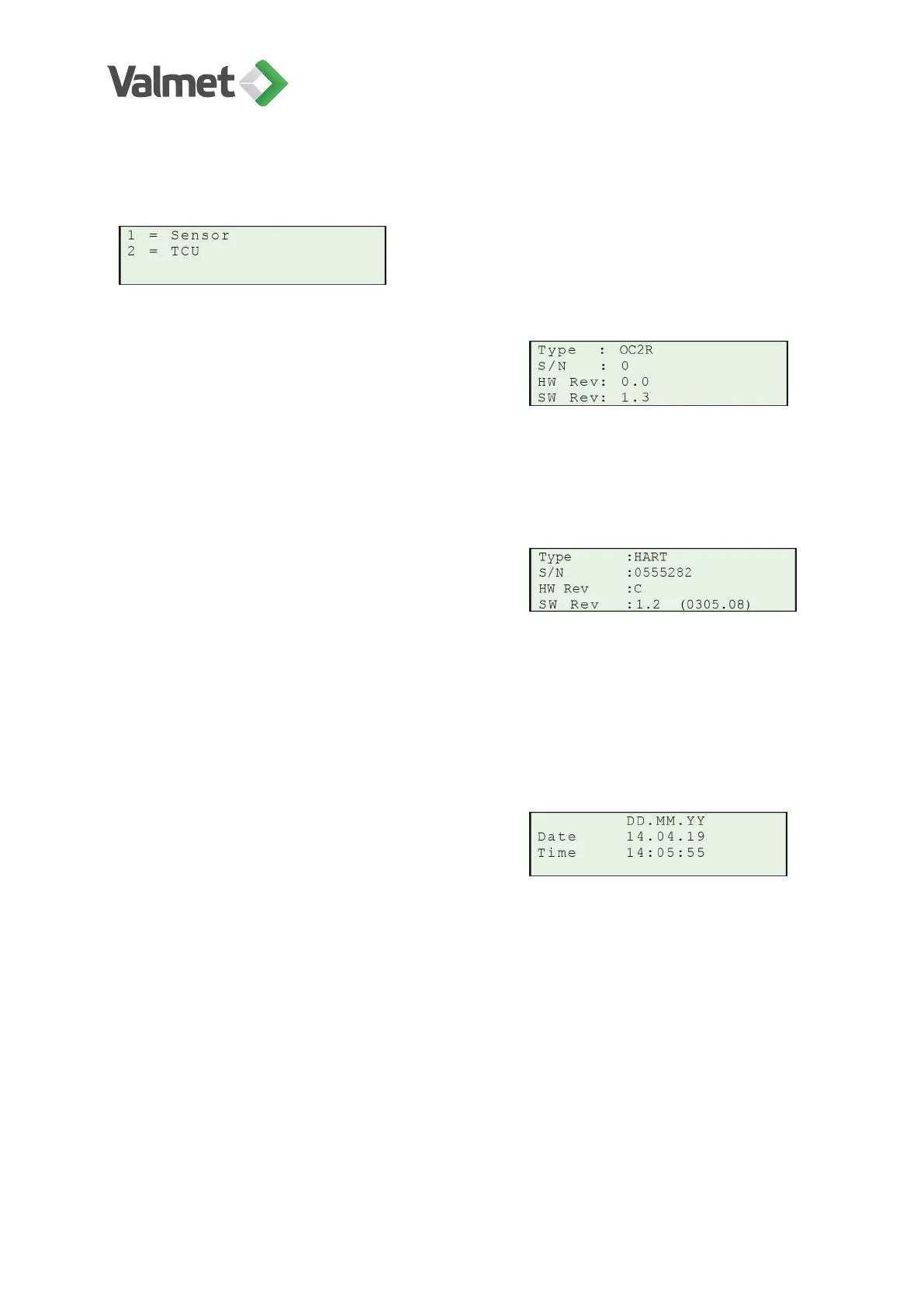
9.5 Device info
Sensor:
• Type: Valmet OC2R.
• S/N: Serial number of sensor electronics.
• HW Rev: Version number of sensor electronics.
• SW Rev: Software version of sensor.
TCU:
• Type: HART / FIELDBUS protocol.
• S/N: Serial number of TCU electronics.
• HW Rev: Version number of TCU electronics.
• SW Rev: Software version of TCU.
9.6 Set clock
Date and time: Enter the date with the number
keys. To start press Edit/Save. The first char-
acter in the field begins to blink.
Example: to enter the date 14.04.2019 (April 14, 2019) the key sequence is as follows:
1 4 ENTER 0 4 ENTER 1 9 ENTER
Enter: Confirm changes.
Configuration | 31 (48)
K20798 V1.1 EN - 1 - 12/2019



 To Next Page