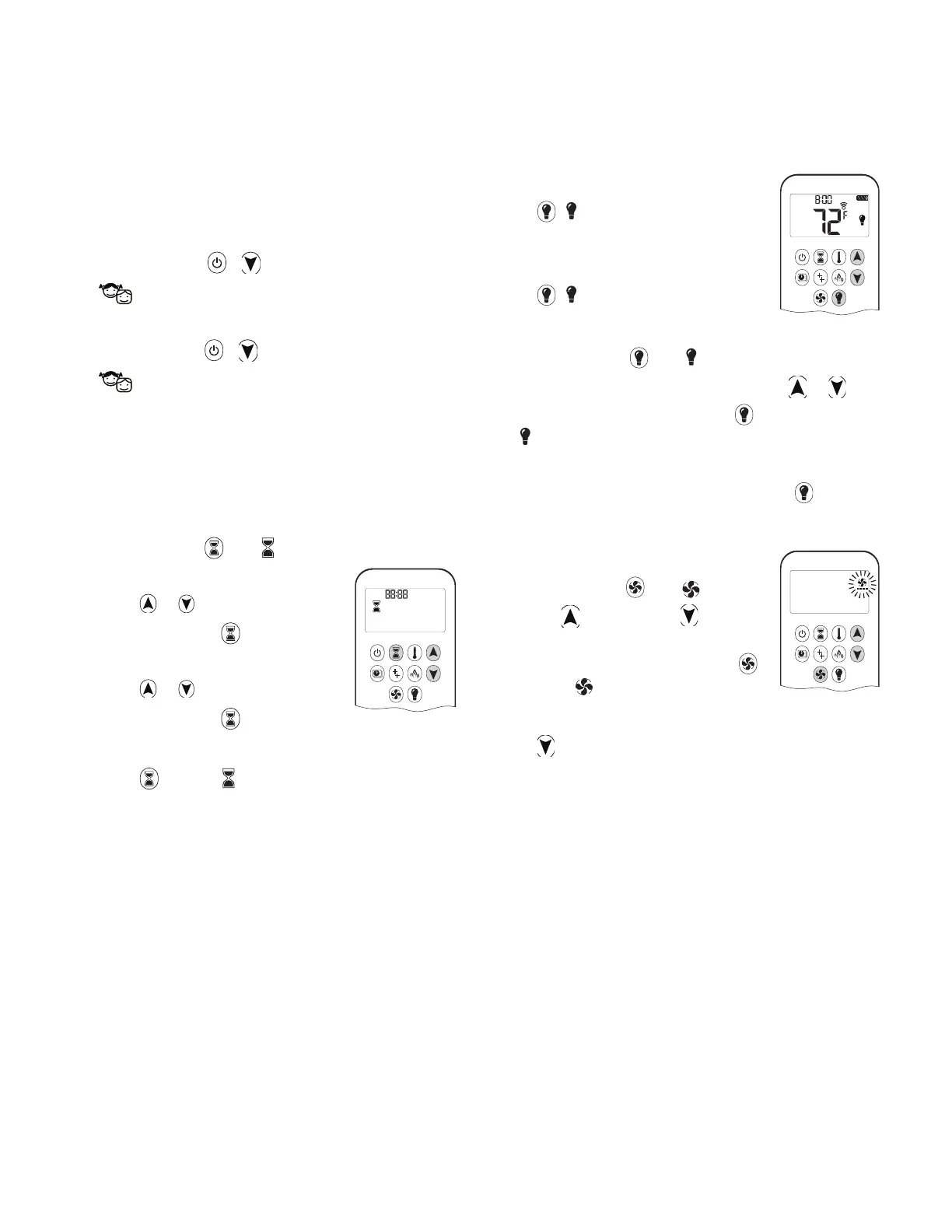
Child Proof
Your handset can be set to lock out all commands to the
ȴ replace, except OFF.
To turn Child Proof ON:
1. Press and hold + simultaneously.
2.
is displayed. Child Proof is now active.
To turn Child Proof OFF:
1. Press and hold + simultaneously.
2.
disappears. Child Proof is now inactive, and the
handset has full function.
Countdown Timer
You can set your ȴ replace to automatically turn o at
the end of a timer.
To set a Countdown Timer:
1. Press and hold until is displayed.
Hour ȵ ashes.
2. Press
or to select Hour.
3. To conȴ rm, press
.
Minutes ȵ ash.
4. Press
or to select Minutes.
5. To conȴ rm, press
or wait.
To turn off a Countdown Timer:
1. Press , and the countdown disappears.
Note: The Countdown Timer only works in Manual,
Thermostatic, and Eco modes. Maximum countdown
time is 9 hours and 50 minutes.
Light/Dimmer Operation
On:
Press , is displayed. Light is on at
preset level.
Off:
Press , disappears. Light turns o .
Setting:
1. Press and hold until ȵ ashes.
2. To adjust light between 20-100% press
or .
3. To conȴ rm setting either press
or wait.
is displayed.
Note: The light works independently of the pilot ȵ ame.
If you want the light on but no ȵ ame, press
button.
Circulating Fan Operation
Setting:
1. Press and hold until ȵ ashes.
2. Press
to increase or to de-
crease fan speed.
3. To conȴ rm setting, either press
or wait.
is displayed.
Off:
Press until all 4 speed level bars disappear.
Note: When setting, if the fan was not switched o
after last use, it starts automatically 4 minutes after
ignition at maximum speed, and goes to the last set
level after 10 seconds. The fan stops 10 minutes after
the gas is OFF or at pilot.
AM
73
Appendix B - Remote Control Operation
(if installed)




 To Next Page