OTDR Series e-Manual, D07-00-076P-RevC00 Page 100 of 107
• Export to Bluetooth - transfers OTDR sor file via Bluetooth connection to a PC or
Mobile phone.
• Tablet. Requires Bluetooth dongle accessory
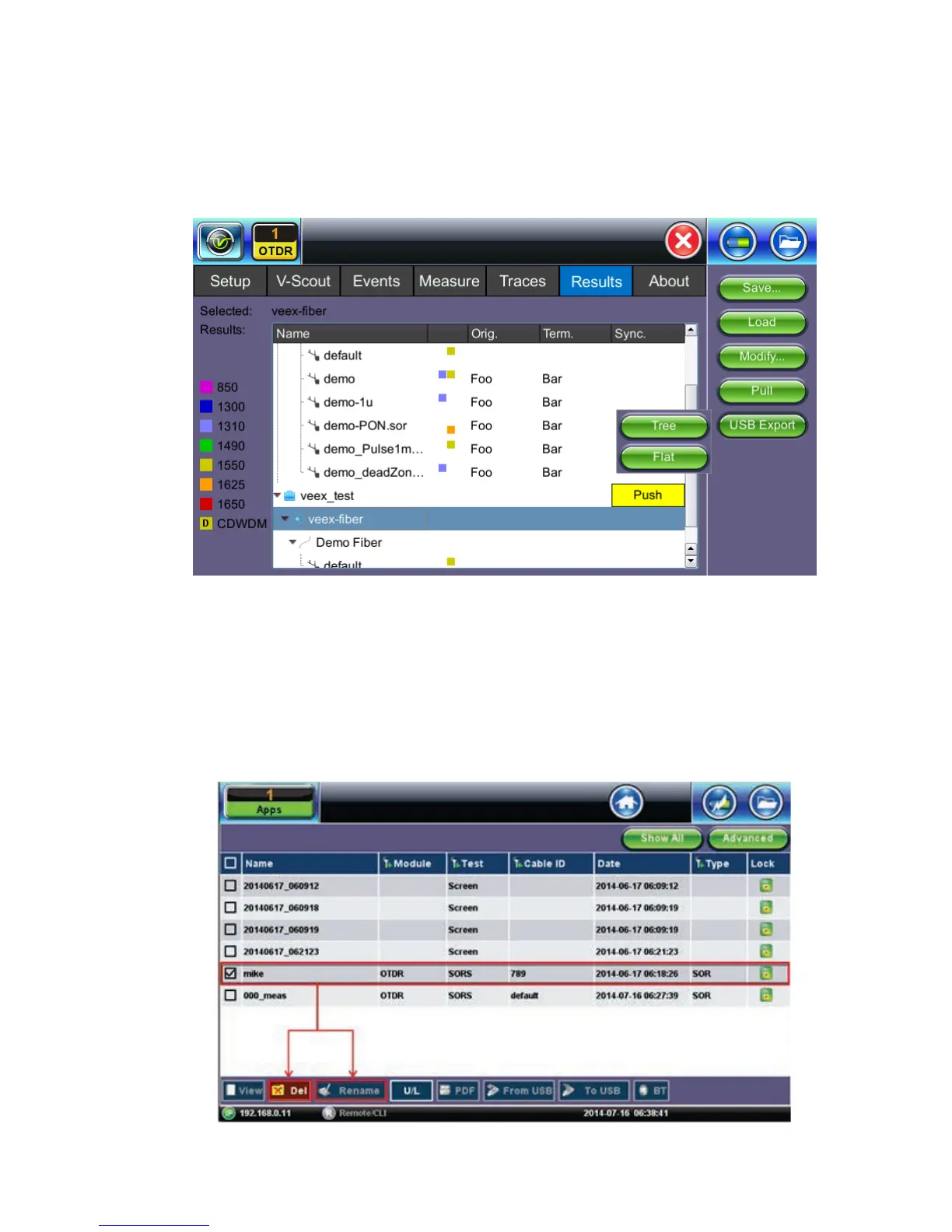
Select the folder containing the test results you want to export to highlight it. Tap USB Export
and select tree (“MyVeEX”) or Flat (same folder) in which to export to USB. The files can be
found on the USB stick in the OTDR Export folder.
7.7.3 File Operations
In the File menu, you are able to delete or rename a selected result file or trace.



 To Next Page