OTDR Series e-Manual, D07-00-076P-RevC00 Page 94 of 107
7.6.3 Saving OTDR Traces with Embedded GPS and Camera Image
7.6.3.1 Obtaining GPS Coordinates
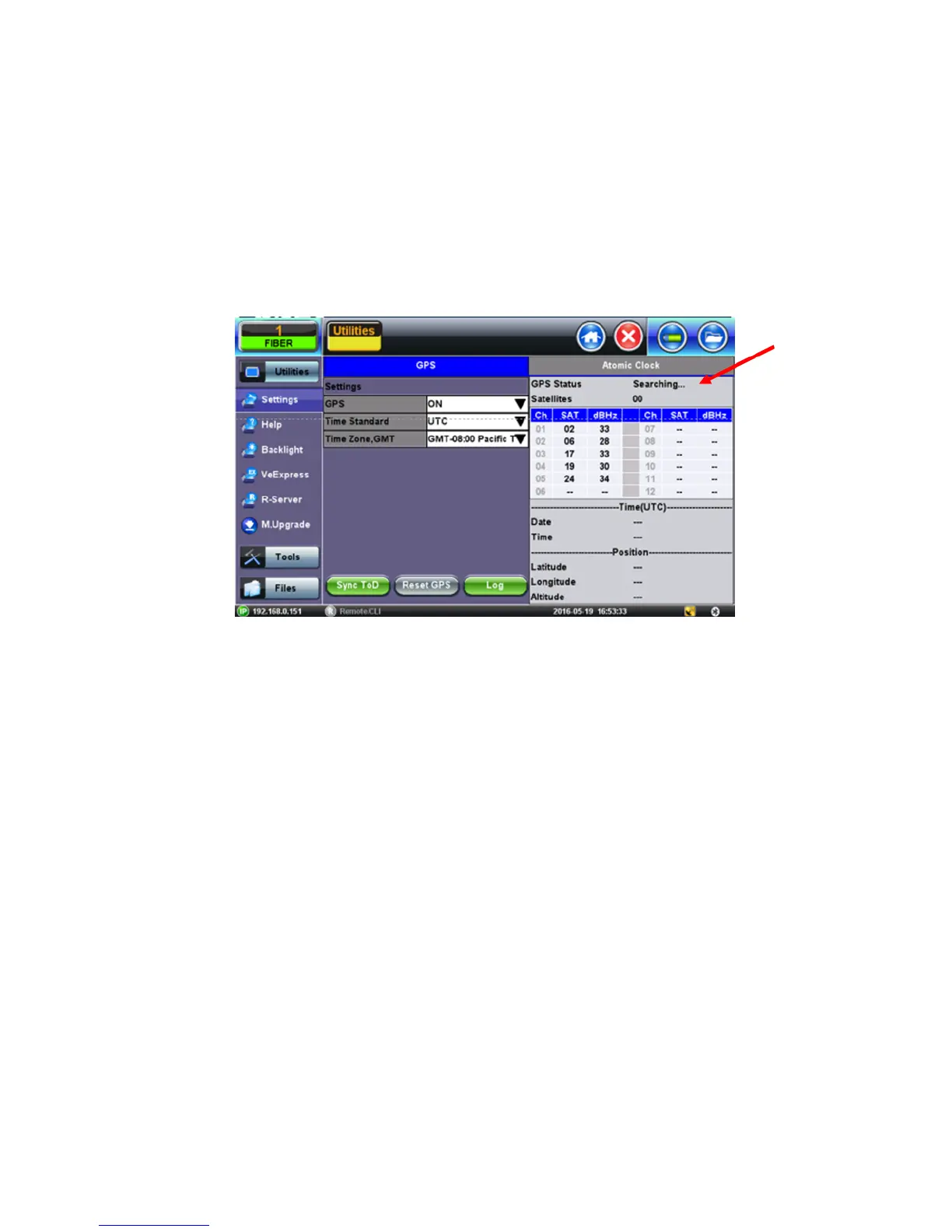
To obtain the GPS coordinates for your current location:
1. Access Utilities>More>GPS/High Precision Clock.
2. Connect the antenna to the RF connector port (brass) located at the top of the unit.
3. Turn GPS ‘ON’ to begin searching until your GPS Status is Lock.
Note: To include GPS coordinates and camera images with OTDR files, the test set
must have the GPS option enabled, an external ‘active’ antenna connected and the
Camera option installed.
7.6.4 Adding GPS to OTDR file (optional feature)
The GPS coordinates can be added by using:
• AutoSave: Select the Ask Before Save checkbox.
• Manual Save mode: Select the GPS checkbox.



 To Next Page