OTDR Series e-Manual, D07-00-076P-RevC00 Page 20 of 107
5.4.2 Getting Started
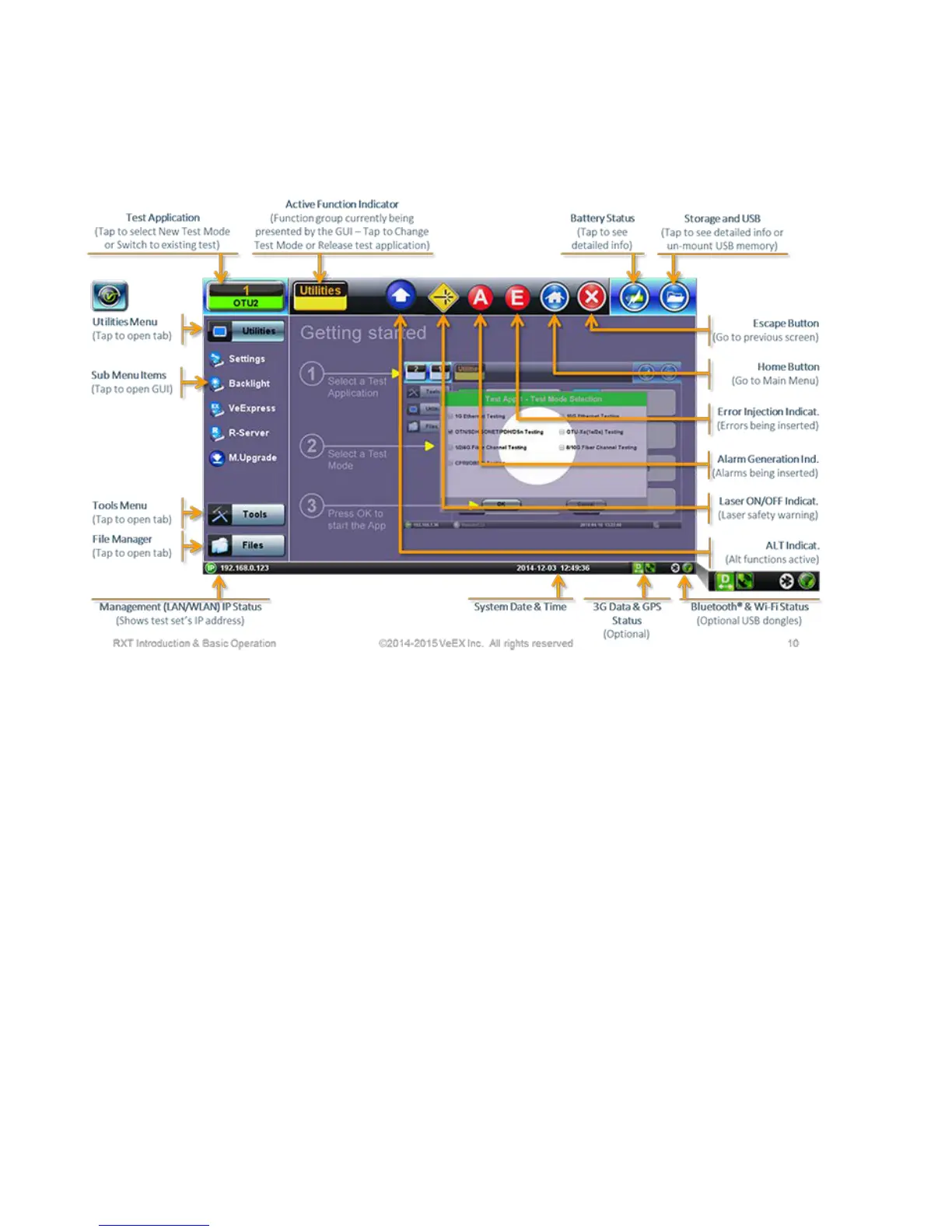
A Quick Guide is always present in the Home screen after boot up.
This screen can be displayed at any time from any screen.
The test port group is assigned to the Fiber application when the 410 module is installed. All
options associated with the 410 OTDR module will be installed.



 To Next Page