OTDR Series e-Manual, D07-00-076P-RevC00 Page 85 of 107
At the top part of the screen next to the markers, the position of the marker with respect to the
beginning of the optical fiber is indicated in kilometers, miles or feet.
In the data line at the bottom of the screen you will see the parameters of the trace
corresponding to the markers’ position and measurement mode.
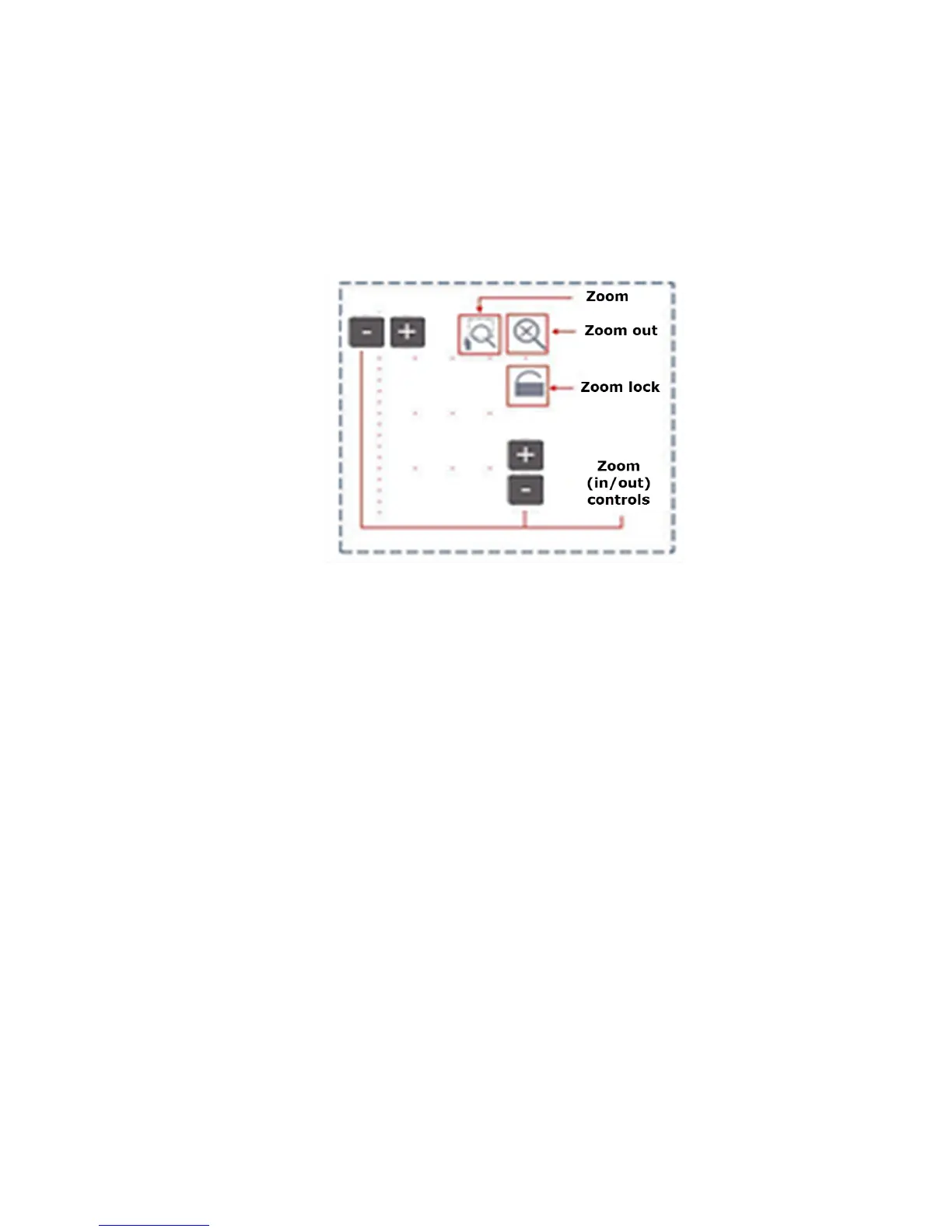
7.5.1.2 Zoom/Scroll Controls
Zooming operations are possible in both Events and Measure mode.
Z
o
o
m
O
p
e
r
a
t
i
o
n
s
• Zoom/Scroll icon - Toggle between and enables Zoom/Scroll mode.
• Zoom mode - Magnifying glass icon appears on screen. Draw a rectangular box
over the trace with the stylus to create a zoom area. Visible part of the trace in
Preview window is marked with dotted rectangle.
• Scroll mode - Trace can only be scrolled after zooming. Hand icon appears on
screen.
User is now able to drag the trace in any direction. The mode resets to Zoom
immediately after one scroll operation has been completed.
• Zoom Out - Resets display area completely.
• Zoom Lock - Locks horizontal and vertical controls so zoom aspect is kept uniform.



 To Next Page