OTDR Series e-Manual, D07-00-076P-RevC00 Page 101 of 107
F
i
l
e
O
p
e
r
a
t
i
o
n
s
Deleting Directories/Files
1. Select a directory or file from the list.
2. Press Delete icon at the bottom of the screen to remove a selected file from the memory.
Renaming Directories/Files
1. Select a directory or file from the list.
2. Press the Rename icon at the bottom of the screen.
3. Rename the file as needed.
7.8 About Tab
A
b
o
u
t
t
a
b
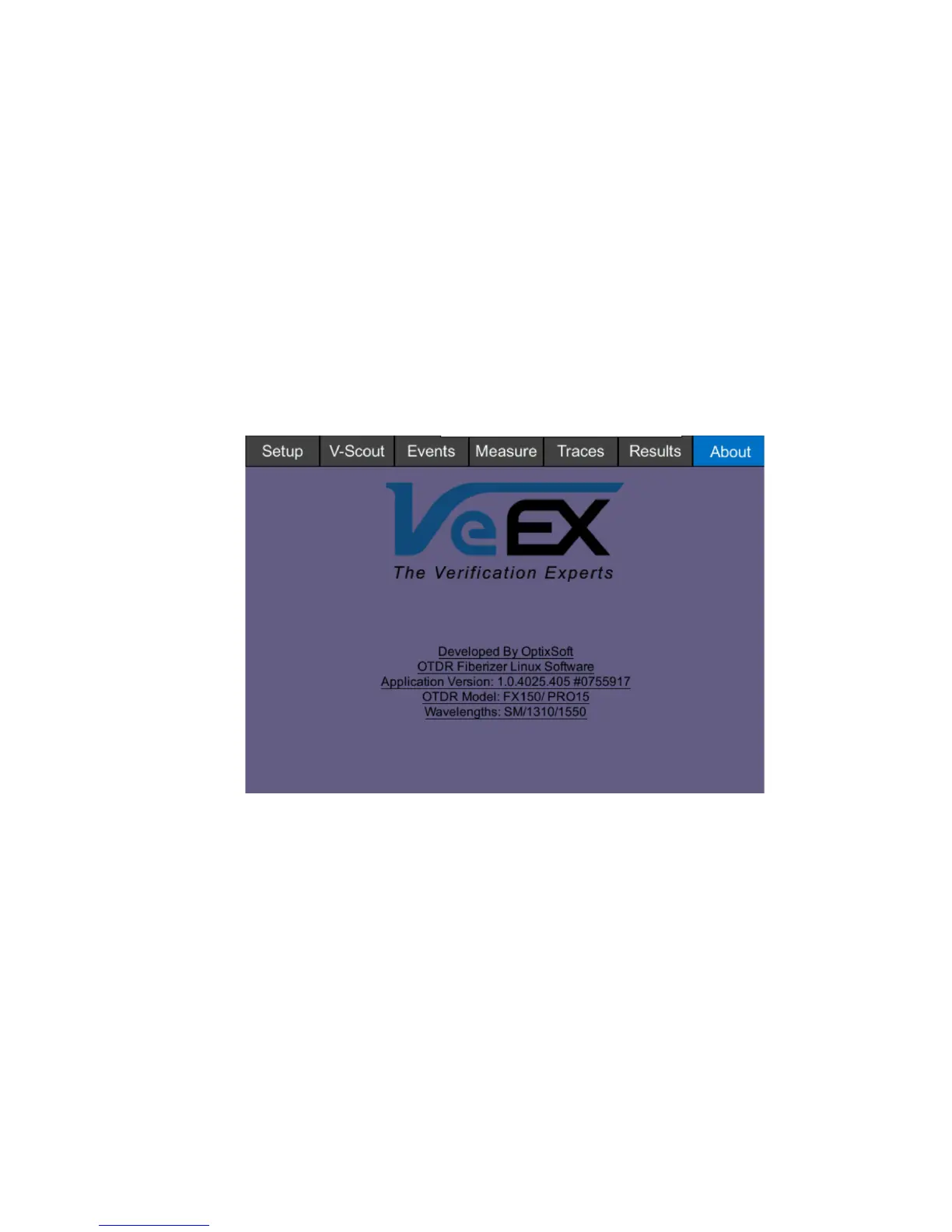
The following information is displayed in the About tab:
• Developer name
• OTDR firmware type
• Firmware build
• OTDR model
• Platform serial #
• OTDR wavelength/s



 To Next Page